How to enable the Mixmax Sidebar in Mixmax
Here is how to enable the mixmax sidebar in mixmax
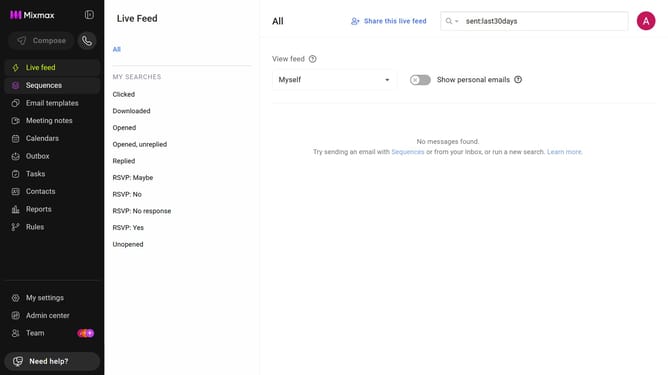
- First click on "My settings" in the left sidebar menu
- Next, locate the "Sidebar" option in the General settings
- Finally, check the checkbox next to "Enable the Mixmax Sidebar"
Why should you enable the Mixmax Sidebar in Mixmax
Mixmax is a powerful tool designed to supercharge your email communications and workflow management.
Enabling the Mixmax Sidebar in Mixmax effortlessly enhances your productivity by providing seamless access to crucial information right from your inbox.
With this feature, you can easily manage tasks, access meeting notes, or view important email threads without switching tabs.
This streamlined approach allows for a more organized and efficient handling of your daily communication, making sure you stay on top of your tasks and interactions.
Last update