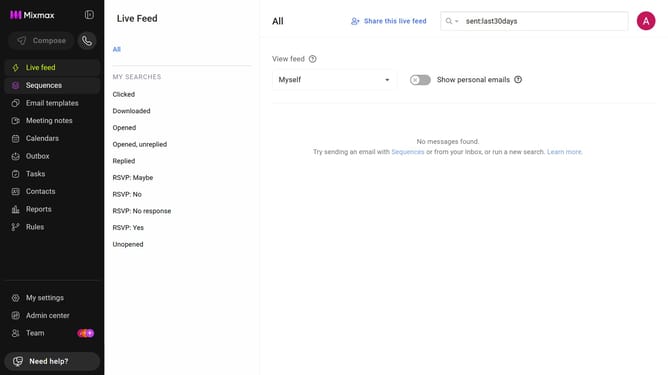
How to access the Reports Dashboard in Mixmax
Here is how to access the reports dashboard in mixmax
- First click on "Reports" in the sidebar menu
- Then click on the "Dashboard" tab in the left corner
- You will now be on the Reports Dashboard where you can view analytics and insights
Why should you access the Reports Dashboard in Mixmax
Mixmax is a powerful tool designed to enhance your email productivity and efficiency.
The Reports Dashboard in Mixmax provides a user-friendly interface where you can easily analyze your email activities and engagement metrics.
By accessing this feature, you gain valuable insights into your email performance, enabling you to make data-driven decisions to optimize your communication strategy.
Unlocking the potential of the Reports Dashboard can significantly elevate your productivity and help you achieve better results in your email campaigns.
Last update