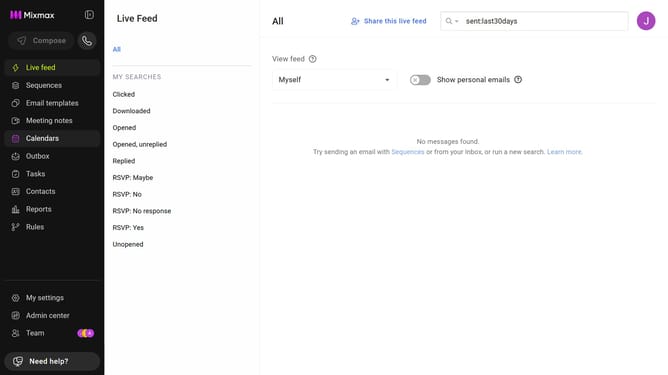
How to filter reports by date range in Mixmax
Here is how to filter reports by date range in mixmax
- First click on "Reports" in the sidebar menu
- Next click on the "Dashboard" tab in the left corner
- Then, click on the "DATE RANGE" dropdown at the top of the page
- Finally, select your preferred option from the date range options
Why should you filter reports by date range in Mixmax
Mixmax is a powerful tool designed to streamline your communication and productivity.
Filtering reports by date range in Mixmax is a feature that enhances your data analysis efficiency. It allows you to zero in on specific time periods, ensuring you're looking at the most relevant data for your needs.
This feature is incredibly beneficial for tracking trends, understanding user behavior over time, and making informed decisions based on precise data.
By focusing on the dates that matter, you maximize insight and minimize time spent sifting through irrelevant information.
Last update