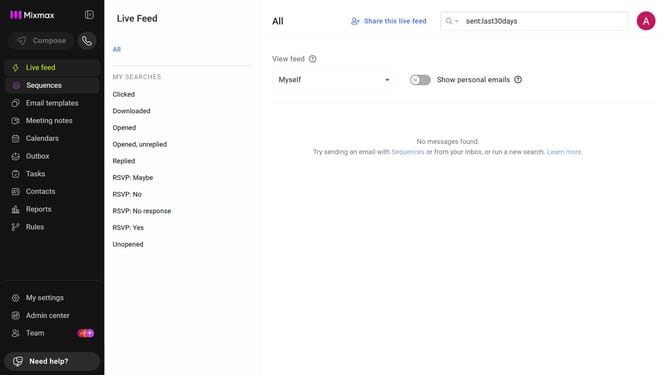
How to filter reports for the last week in Mixmax
Here is how to filter reports for the last week in mixmax
- First click on "Reports" in the sidebar menu
- Next click on the "Dashboard" tab in the left corner
- Then, click on the "DATE RANGE" dropdown at the top of the page
- Finally, select "Last week" from the date range options
Why should you filter reports for the last week in Mixmax
Mixmax is a dynamic email enhancement tool designed to optimize communication and streamline workflow.
Filtering reports for the last week in Mixmax empowers you to gain insights into your recent activities efficiently. By focusing on the past week's data, you can quickly assess performance trends and make informed decisions with ease.
This feature is particularly beneficial for tracking productivity, analyzing outreach effectiveness, and staying on top of pivotal changes, ensuring that you remain agile in your strategies.
Last update