How to delete a team in Mixmax
Here is how to delete a team in mixmax
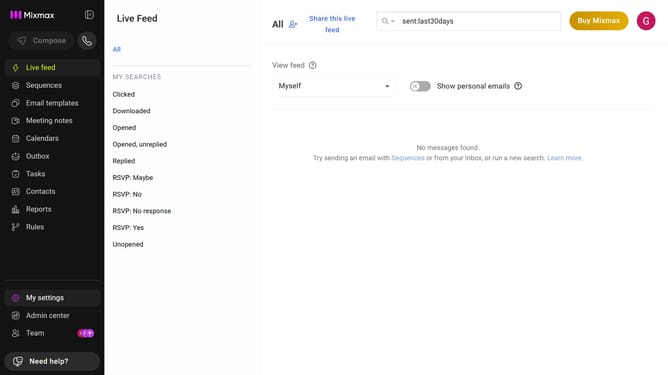
- First click on "Team" in the left sidebar
- Next click on the "Teams" tab
- From the list of teams, select the team you want to delete
- Then, remove all of the Team members by clicking the trash icon next to each person
- Once all members have been removed, click the remove trash icon next to the team name
- Finally, click on the "Okay, got it!" button in the confirmation dialog
Why should you delete a team in Mixmax
Mixmax is a versatile productivity tool that enhances email communication and team collaboration.
One of its efficient features is the ability to delete a team when it's no longer needed, streamlining your workspace.
This feature allows for effective team management, ensuring resources are allocated efficiently and clutter is minimized.
Using this function keeps your Mixmax environment organized, allows you to focus on active projects, and enhances productivity by eliminating unnecessary distractions.
Last update