How to enable cold email shield in Mixmax
Here is how to enable cold email shield in mixmax
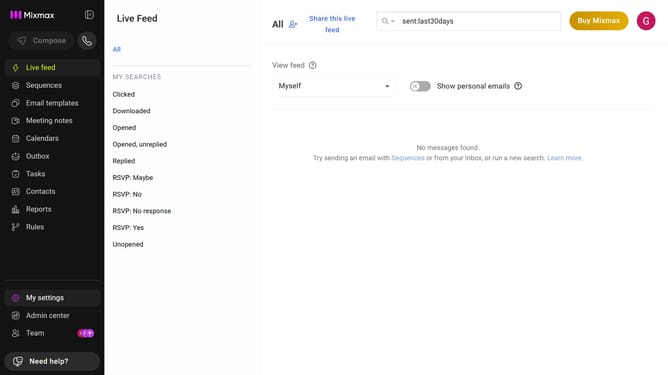
- First click on "My settings" in the sidebar menu
- Next click on "Inbox Copilot" in the settings menu
- Scroll down to locate the "Cold Email Shield" option
- Then toggle it on to automatically filter cold emails
- Next click on the dropdown menu
- From the dropdown menu, select "Keep" or "Move out of inbox" to keep cold emails in your inbox or move them out
Why should you enable cold email shield in Mixmax
Mixmax is a powerful platform designed to streamline your email communications and boost productivity.
Among its robust features, Mixmax offers a Cold Email Shield to safeguard your email reputation.
Enabling the Cold Email Shield ensures that your outreach is optimized, minimizing the risks associated with sending bulk cold emails.
This feature is essential for maintaining high deliverability rates, while protecting your domain from being flagged as spam, thereby preserving your professional image.
Last update