How to create your first team in Mixmax
Here is how to create your first team in mixmax
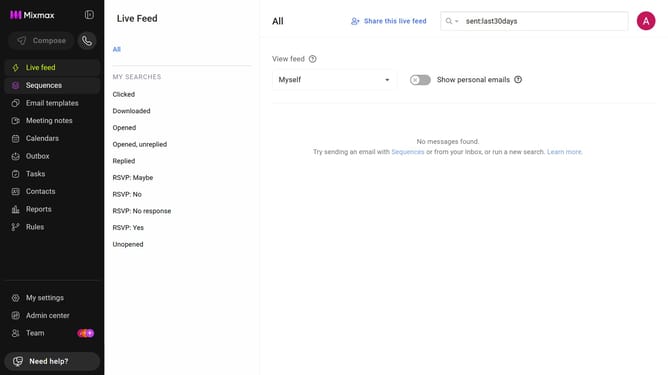
- First click on "Team" in the sidebar menu
- Next click on the "Teams" tab
- Then click on "+ New team" button
- Enter the team name in the "Name" field
- Finally click on "Create" button to confirm
- Your team has been created. You can now invite members
Why should you create your first team in Mixmax
Mixmax is a versatile tool designed to enhance your Gmail experience and elevate team collaboration.
Creating your first team in Mixmax allows seamless communication and coordination within your workplace. This feature enables effortless sharing of templates, sequences, and other resources with your colleagues, fostering a more collaborative environment.
By using Mixmax's team creation feature, you lay the foundation for more organized workflows and improved productivity. Enhance your team's ability to work together harmoniously while maximizing efficiency through this intuitive platform.
Last update