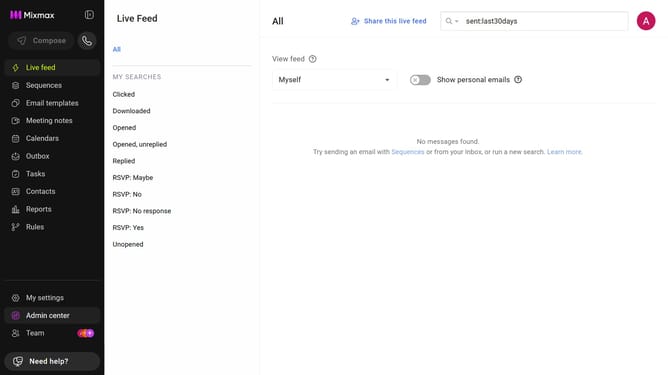
How to view top sequences by unsubscribe rate in Mixmax Reports
Here is how to view top sequences by unsubscribe rate in mixmax reports
- First click on "Reports" in the sidebar menu
- Next, click on the "Dashboard" tab
- Scroll down to the "Leaderboard" section
- Then, click on the leaderboard category dropdown and select "Top Sequences"
- Next, click on the metric dropdown on the right side of the chart
- Finally, select "Unsubscribe rate" from the dropdown menu
Why should you view top sequences by unsubscribe rate in Mixmax Reports
Mixmax is a powerful communication platform designed to enhance productivity and collaboration.
In Mixmax Reports, one valuable feature allows you to view the top sequences by unsubscribe rate. This feature empowers you to pinpoint which email campaigns may need adjustments by identifying sequences where recipients choose to opt-out.
Understanding the unsubscribe rate helps refine your messaging, ensuring your content remains engaging and relevant. By leveraging this insight, you can improve audience retention and craft more effective communication strategies.
Last update