How to disable placing your signature above quoted text when replying to emails in Mixmax
Here is how to disable placing your signature above quoted text when replying to emails in mixmax
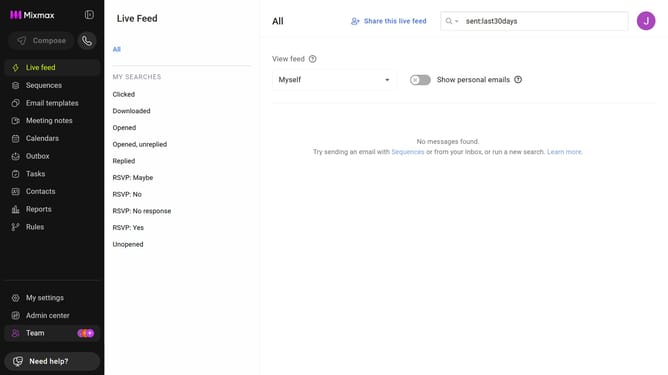
- First click on "My settings" in the left sidebar
- Then click on the "Signatures" in the settings menu
- Finally, uncheck the "Place signature above quoted text" checkbox
Why should you disable placing your signature above quoted text when replying to emails in Mixmax
Mixmax is a powerful tool designed to enhance email productivity and communication efficiency.
One practical feature is the ability to control the placement of your email signature. Disabling the automatic placement of your signature above quoted text when replying can keep your conversations tidy and contextually clear.
This feature is particularly beneficial for maintaining a professional and coherent email thread, ensuring that your responses integrate seamlessly with the ongoing conversation.
Utilizing this option can enhance clarity in your email interactions, making your replies more engaging and reader-friendly.
Last update