How to prevent users from sending tracked attachments in Mixmax
Here is how to prevent users from sending tracked attachments in mixmax
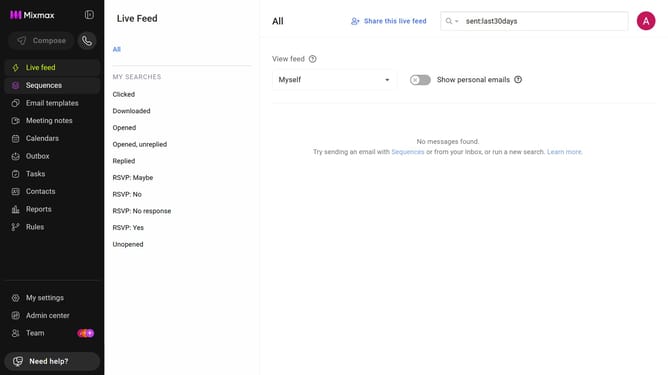
- First, click on "Admin center" in the sidebar menu
- In the sidebar, click on "Roles"
- Next, click on the "Mixmax" tab
- Then locate the "Mixmax Settings" section
- Finally check the box next to "Don't allow workspace members to send tracked attachments."
Why should you prevent users from sending tracked attachments in Mixmax
Mixmax is a powerful communication platform that enhances productivity and streamlines email management.
A key feature allows administrators to prevent users from sending tracked attachments, ensuring compliance with privacy regulations and maintaining client trust.
This feature is particularly beneficial for sensitive business communications where discretion and confidentiality are paramount.
By utilizing this capability, organizations can foster a secure environment, aligning team practices with ethical standards.
Last update