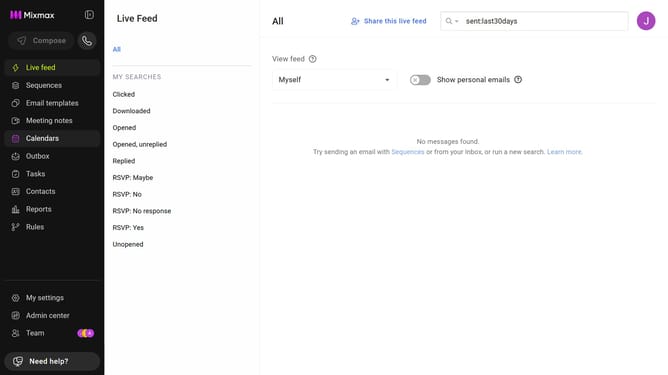
How to delete custom fields from a Mixmax calendar
Here is how to delete custom fields from a mixmax calendar
- First click on "Calendars" in the sidebar menu
- Next, select the calendar you want to edit
- Scroll down to locate the "FIELDS" section
- Then find the field you want to delete
- Finally click on the (-) icon next to that field to remove it
Why should you delete custom fields from a Mixmax calendar
Mixmax is an all-in-one communication platform designed to elevate your email productivity and scheduling efficiency.
Deleting custom fields from a Mixmax calendar is a powerful feature that ensures your scheduling remains streamlined and tailored to your current needs.
Using this feature allows you to maintain an organized calendar, removing any unnecessary details that could clutter your interface.
By refining your calendar, you increase focus and reduce potential scheduling errors, creating a more efficient workflow.
Last update