How to sort your sequences by created date in Mixmax
Here is how to sort your sequences by created date in mixmax
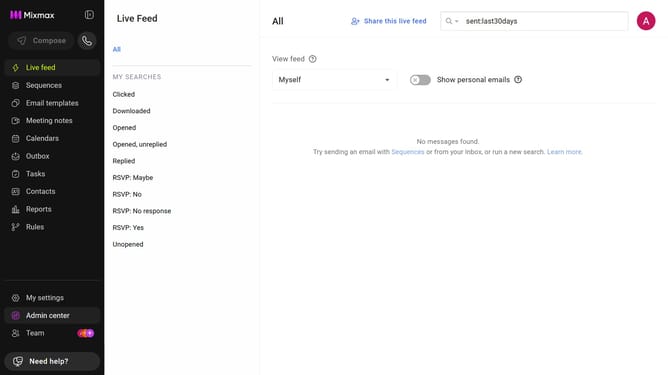
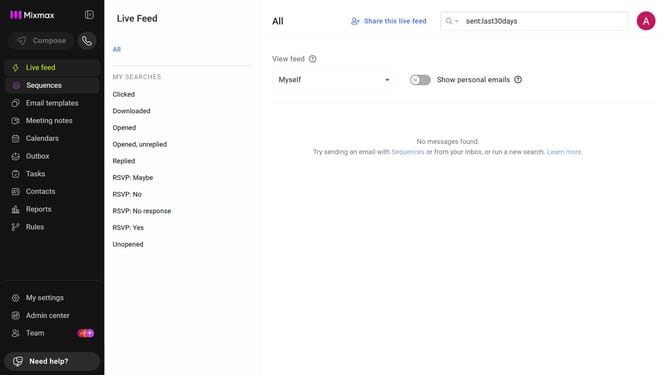
- First click on the "Sequences" in the left sidebar
- Next click on the "SORT BY" dropdown above the sequences list
- Then, select "Created date" from the dropdown menu
- If needed, click on the sort icon next to the dropdown to choose ascending or descending order
Why should you sort your sequences by created date in Mixmax
Mixmax is a powerful tool designed to enhance email productivity and streamline communication.
One of its standout features is the ability to sort your sequences by created date. This feature significantly enhances organization and workflow by making it easy to find and manage your most recent campaigns.
By sorting your sequences by their creation date, you can prioritize your tasks effectively, saving time and ensuring that you're always on top of your communication strategies.
Ultimately, this organization boost allows for a more efficient and seamless user experience.
Last update