How to unarchive a sequence in Mixmax
Here is how to unarchive a sequence in mixmax
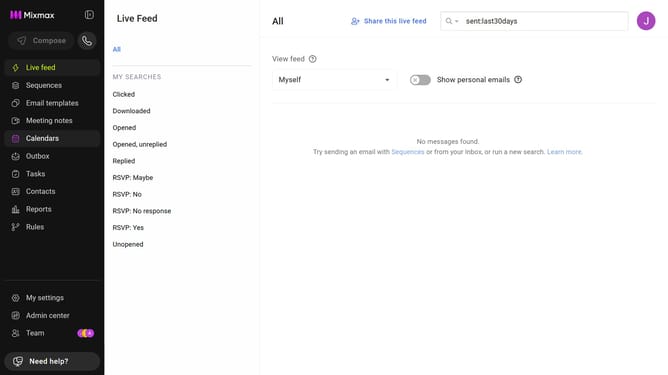
- First click on the "Sequences" in the left sidebar
- Next click on the "Archive" tab in the left sidebar
- Locate the sequence you want to restore
- Then click on the "Restore" button
- Finally click on the "Restore" button in the confirmation dialog
Why should you unarchive a sequence in Mixmax
Mixmax is a powerful tool for enhancing your email productivity and communication efficiency.
Unarchiving a sequence in Mixmax allows you to resurrect valuable communication strategies that might have been shelved indefinitely.
This feature ensures that you can effortlessly bring back and reintegrate previously paused sequences into your workflow, giving you an edge in maintaining continuous engagement.
Leveraging this capability not only boosts your workflow while saving time but also amplifies your outreach flexibility.
Last update