How to copy the link to your public Mixmax calendar
Here is how to copy the link to your public mixmax calendar
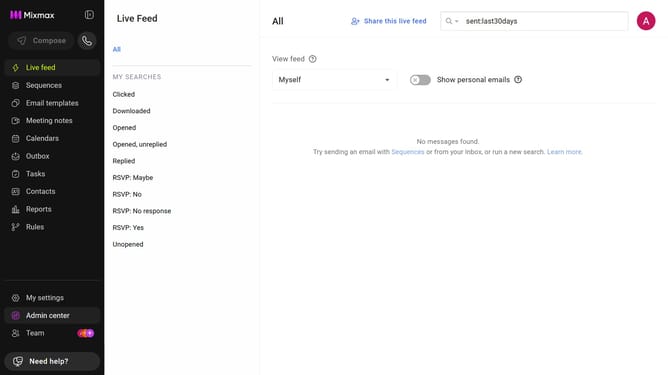
- First click on "My settings" in the sidebar menu
- Next click on "Calendar" in the settings menu
- Then locate the "Public calendar" section
- Finally click on the "Copy" button next to the link
- The link is now copied to your clipboard. You can share it with others
Why should you copy the link to your public Mixmax calendar
Mixmax is an innovative tool designed to enhance your email productivity and engagement.
One of its standout features is the ability to easily copy the link to your public Mixmax calendar. This feature allows you to share your availability effortlessly, ensuring better time management and streamlined scheduling.
By copying and sharing your calendar link, you can provide others with direct access to your schedule. This minimizes back-and-forth communication, saving both parties time and improving efficiency. It's a small step that leads to big productivity gains.
Last update