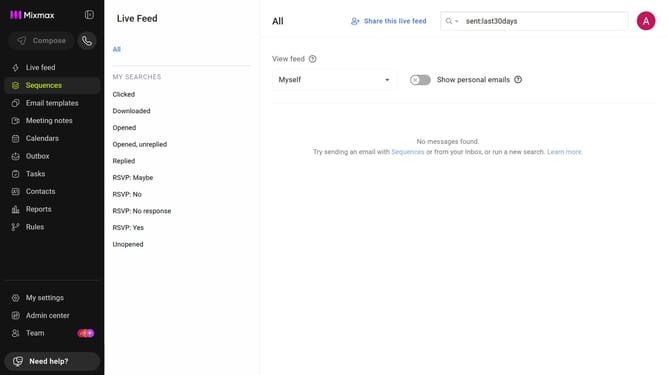
How to show sent email metrics in Mixmax Reports
Here is how to show sent email metrics in mixmax reports
- First click on "Reports" in the sidebar menu
- Next, click on the "Dashboard" tab
- After that, scroll down to the "Email Analysis" chart
- Locate the "Sent" checkbox below the chart
- Then check the "Sent" option
Why should you show sent email metrics in Mixmax Reports
Mixmax is a powerful tool designed to enhance your email communication and productivity workflow.
One of its standout features is showing sent email metrics in Mixmax Reports, which offers invaluable insights into your email performance. With this feature, you can easily track open rates, click-through rates, and response times, allowing you to understand how recipients engage with your emails.
By using these metrics, you can refine your emailing strategies to boost engagement and effectiveness. This data-driven approach not only optimizes outreach efforts but also empowers users to make smarter communication choices, leading to more successful email campaigns.
Last update