Mixmax
Mixmax is a sales engagement platform for revenue teams to automate email outreach, sequences, and meeting scheduling.
Website
Industry
Leadgen
Share this article:

How to archive multiple email templates at once in Mixmax

Here is how to archive multiple email templates at once in mixmax

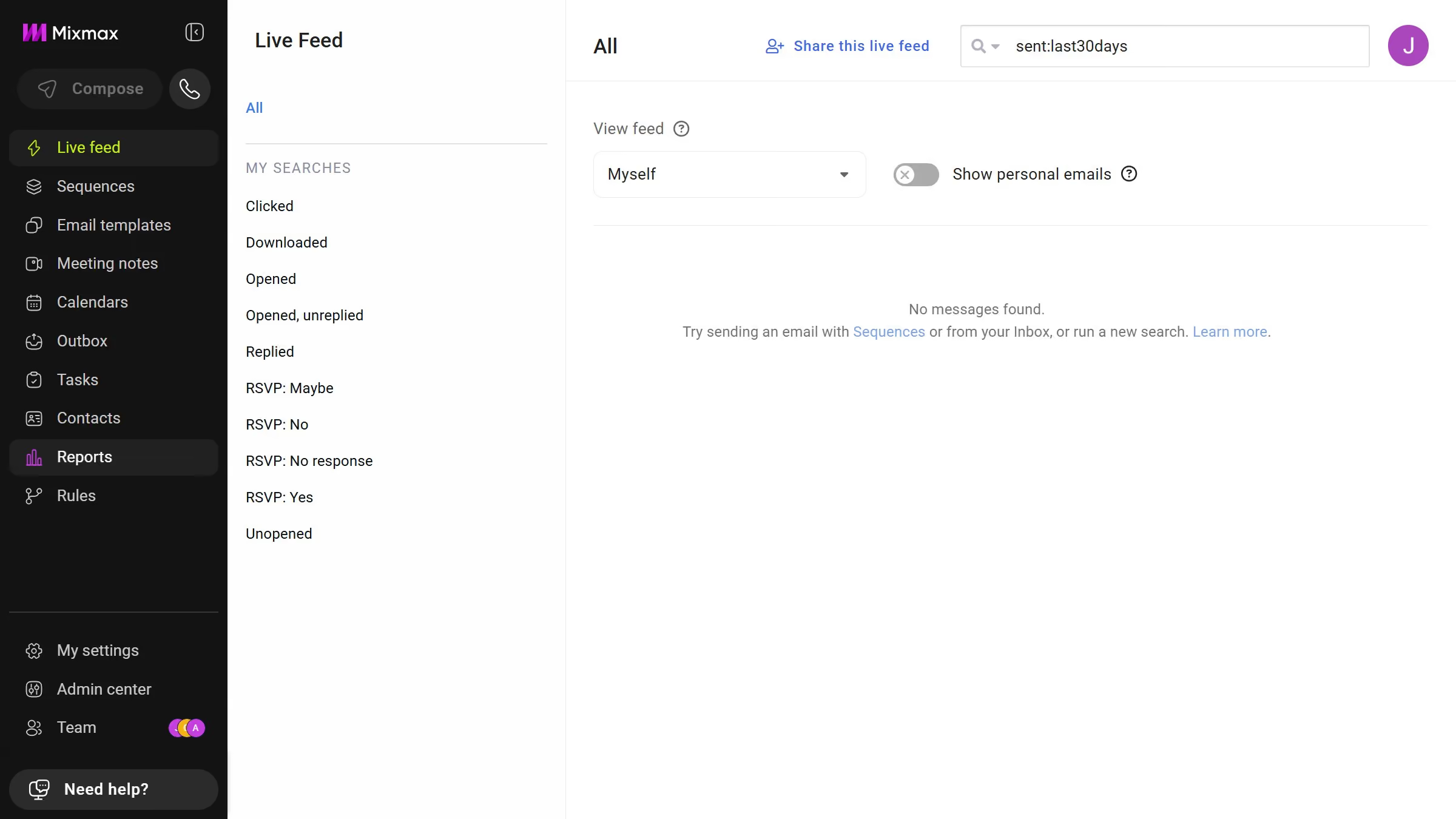
  1. First click on the "Sequences" in the sidebar menu
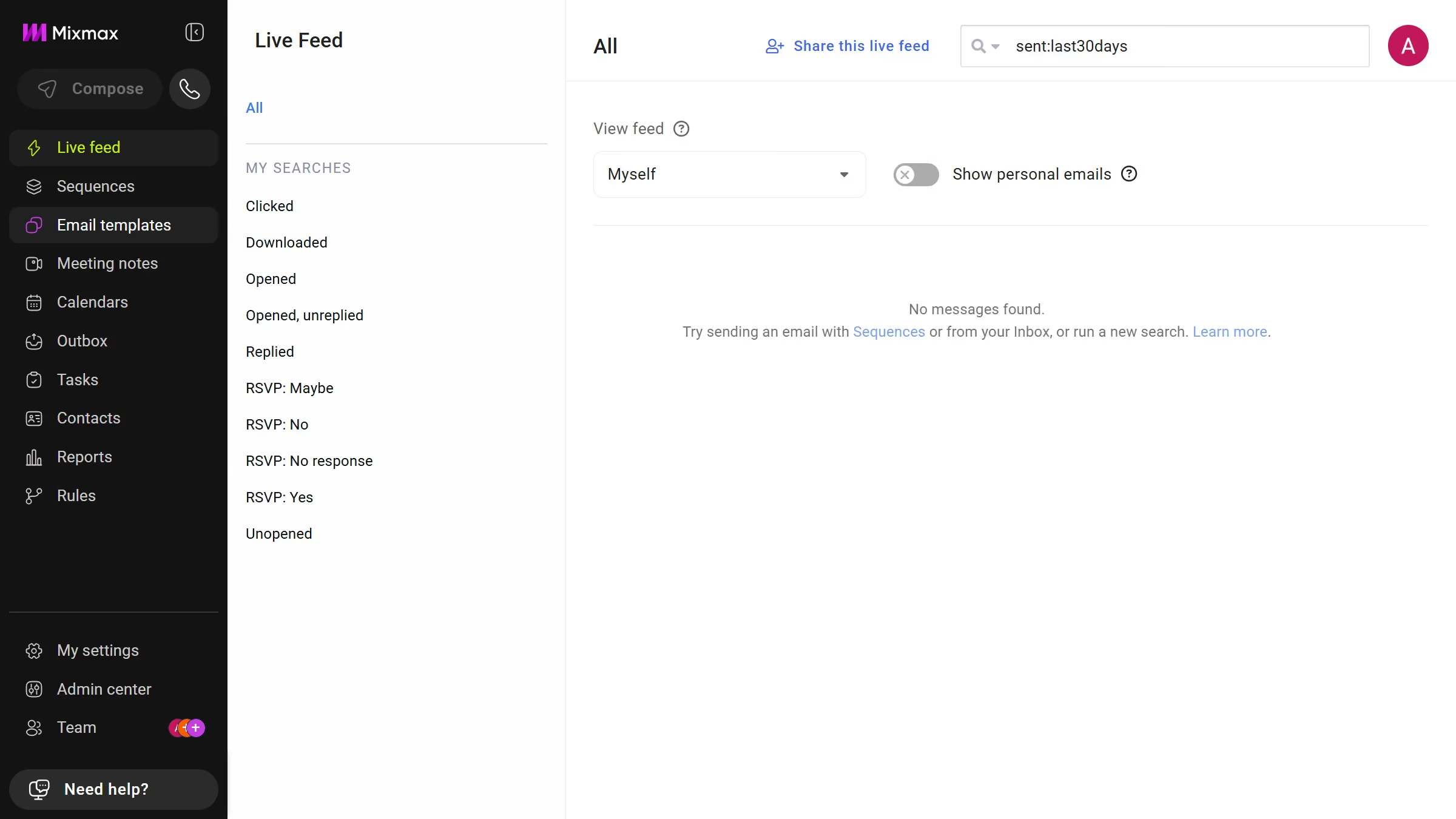
  2. Next select multiple templates using the checkboxes next to them
  3. Then click on the "Archive" button that appears
  4. Finally click on the "Yes" button in the confirmation dialog

Create your own interactive guide with Guideflow

Why should you archive multiple email templates at once in Mixmax

Mixmax is an email productivity tool designed to enhance communication efficiency and effectiveness.

One standout feature of Mixmax is the ability to archive multiple email templates at once. This function offers a streamlined approach to managing a cluttered inbox, allowing users to organize their templates and focus on the most relevant content quickly.

By archiving multiple templates simultaneously, you save time and maintain a cleaner workspace, ensuring that you have quick access to the templates that matter the most. This results in improved productivity and a more organized workflow.

Last update
May 7, 2026
Cursor MariaA cursor points to a button labeled "James."

Create your first demo in less than 30 seconds.