How to view all email templates in Mixmax
Here is how to view all email templates in mixmax
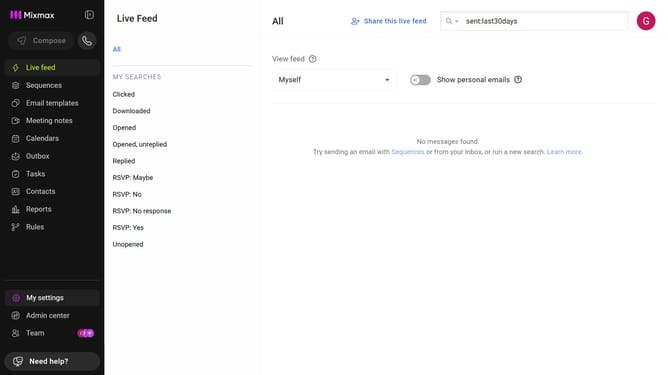
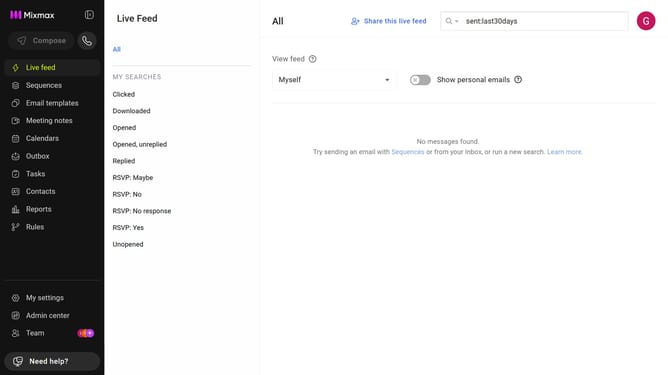
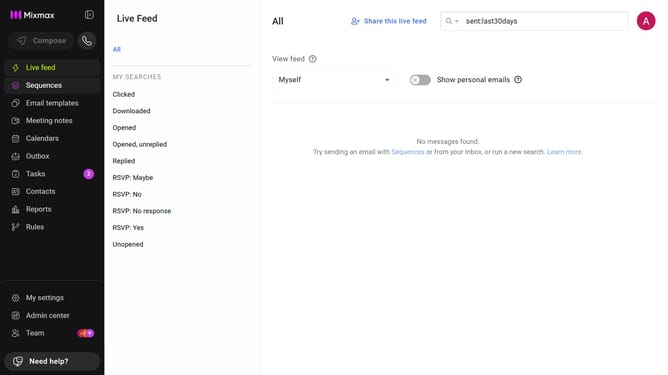
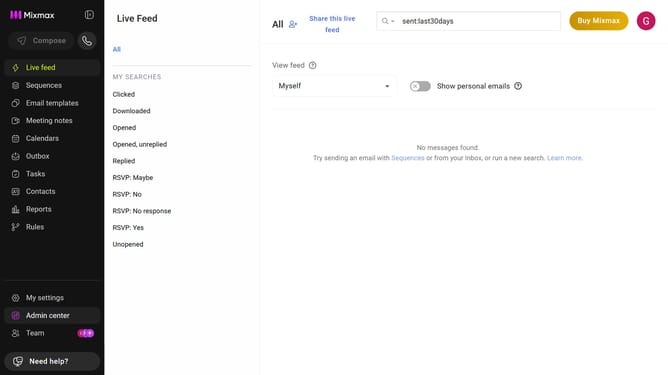
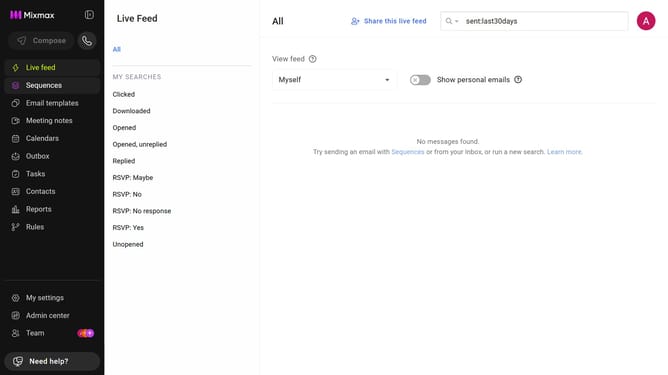
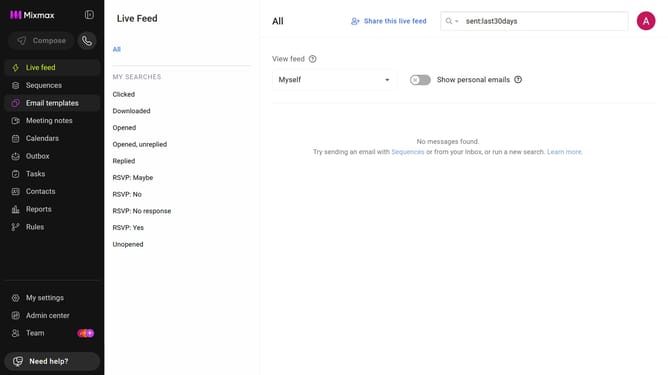
- First click on "Email templates" in the sidebar menu
- Next, locate the left sidebar in the Email templates page
- Then click on the "All templates" filter
Why should you view all email templates in Mixmax
Mixmax is a powerful tool designed to enhance your email productivity efficiency.
By accessing all your email templates in Mixmax, you can streamline communication efforts with just a few clicks.
Having a consolidated view of every template means you save time searching for the right one.
This feature ensures consistency in your outreach and makes it easy to update or modify templates as needed. Benefit from effortless organization and maintain a professional edge in all your communications.
Last update