How to disable workspace-wide access to meeting transcripts via the API in Mixmax
Here is how to disable workspace-wide access to meeting transcripts via the api in mixmax
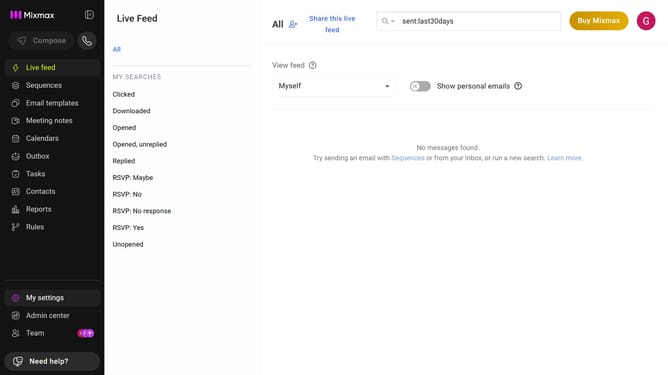
- First, click on "Admin center" in the sidebar menu
- Next click on "Meeting Copilot" in the left sidebar
- Then, toggle off the "Allow workspace-wide transcript access via API" option
Why should you disable workspace-wide access to meeting transcripts via the API in Mixmax
Mixmax empowers users with seamless communication and productivity tools integrated directly into Gmail.
An essential feature is the ability to disable workspace-wide access to meeting transcripts via the API. This enhances control over sensitive information, allowing administrators to safeguard data effortlessly.
Utilizing this feature ensures that only authorized personnel can access transcripts, thereby fostering a secure environment and maintaining confidentiality within collaborative teams.
Last update