How to enable 15-minute interval scheduling in Mixmax calendars
Here is how to enable 15-minute interval scheduling in mixmax calendars
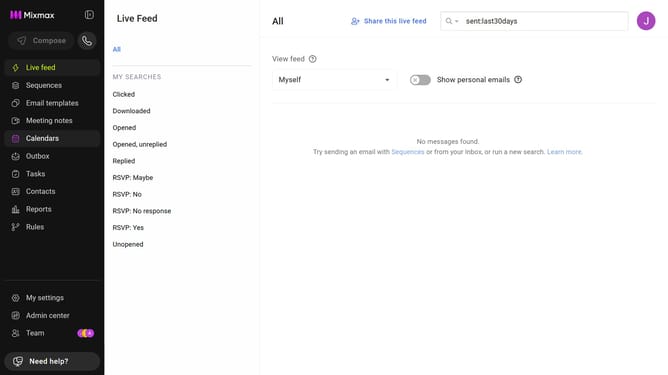
- First click on the "Calendars" menu in the left sidebar
- Next click on the calendar you want to edit
- Then locate the "Offer available slots every 15 minutes" option under the "OPTIONS" section
- Finally toggle ON the switch to enable 15-minute interval scheduling
Why should you enable 15-minute interval scheduling in Mixmax calendars
Mixmax is an innovative tool designed to enhance email efficiency and productivity.
One standout feature is the ability to enable 15-minute interval scheduling in its calendars, offering greater precision in planning your day.
By using this feature, users can maximize their time management, accommodating shorter meetings, or tasks without hassle.
This flexibility enhances workflow and boosts productivity, making calendars more adaptable to versatile business needs.
Last update