How to delete a sequence folder in Mixmax
Here is how to delete a sequence folder in mixmax
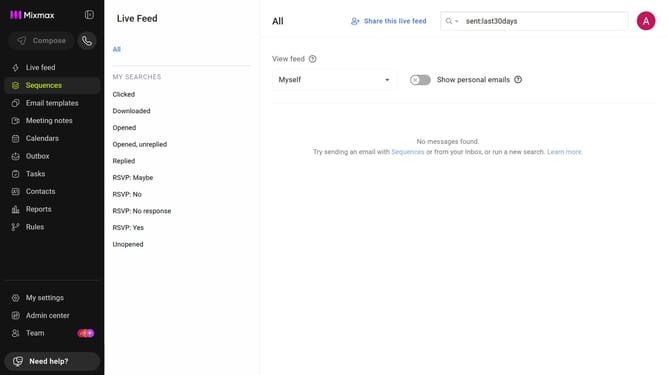
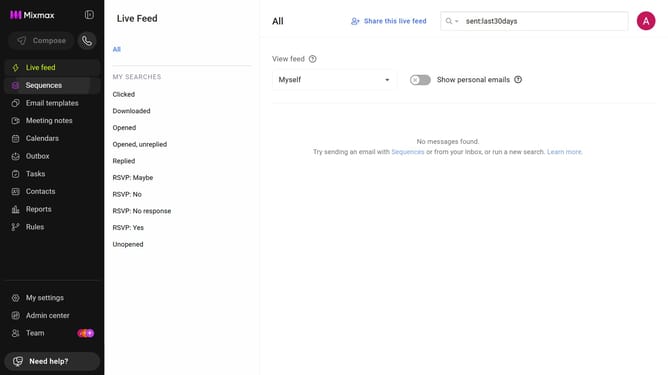
- First click on "Sequences" from the left sidebar
- Next, locate the folder you want to delete in the "MY FOLDERS" section
- Then click on the "X" icon next to the folder name
- Finally click on the "Delete" button in the confirmation pop-up
Why should you delete a sequence folder in Mixmax
Mixmax revolutionizes email communication by streamlining workflow and enhancing productivity.
Deleting a sequence folder in Mixmax is a feature designed to help users maintain an organized workspace. By removing unnecessary or outdated sequence folders, you can focus on the most relevant tasks and optimize your email strategy.
This keeps your inbox clutter-free, enabling quicker access to essential sequences, and ultimately boosts your efficiency. Enjoy a cleaner interface and direct your attention to the sequences that truly matter.
Last update