How to view analytics for your recipients only in Mixmax sequences
Here is how to view analytics for your recipients only in mixmax sequences
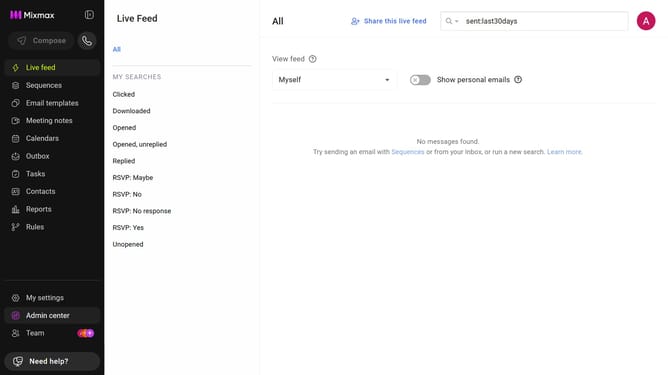
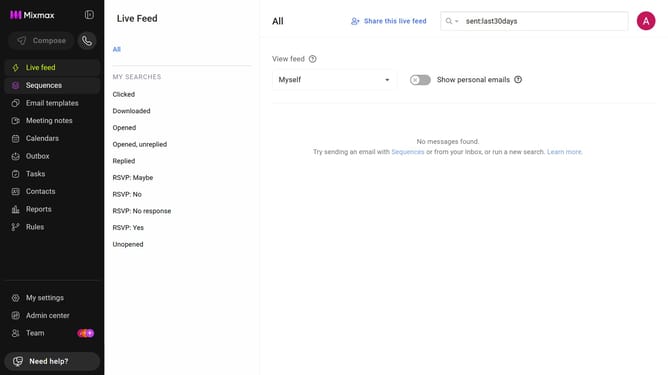
- First click on the "Sequences" in the left sidebar
- Next click on the "ANALYTICS FOR" dropdown above the sequences list
- Then select "My recipients" from the dropdown menu
Why should you view analytics for your recipients only in Mixmax sequences
Mixmax is a powerful platform designed to streamline email productivity and enhance communication efficiency.
One standout feature is the ability to view analytics for your recipients only in Mixmax sequences, allowing for precise tracking and insight.
This functionality empowers users to focus on specific recipient engagement, making it easier to tailor follow-ups and improve communication strategies.
By understanding detailed interactions, you enhance personalized outreach, leading to more effective and successful email campaigns.
Last update