How to disable team members from viewing email content in Mixmax
Here is how to disable team members from viewing email content in mixmax
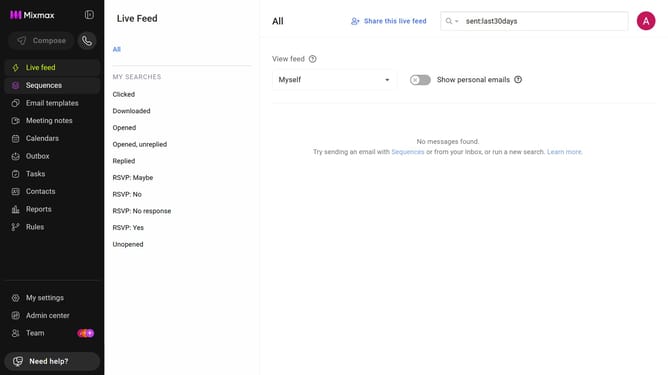
- First, click on "Admin center" in the sidebar menu
- In the sidebar, click on "Roles"
- Next, click on the "Mixmax" tab
- Then locate the "Mixmax Settings" section
- Finally uncheck the box next to "Enable team members to view email content."
Why should you disable team members from viewing email content in Mixmax
Mixmax is a powerful productivity tool designed to streamline email communication and enhance workflow efficiency.
Protecting sensitive information is easy with Mixmax’s feature that disables team members from viewing email content.
This feature ensures confidentiality, keeping important data secure while fostering a trusting work environment.
Implementing these controls not only safeguards information but also boosts team productivity by allowing focus on emails relevant to each member.
Last update