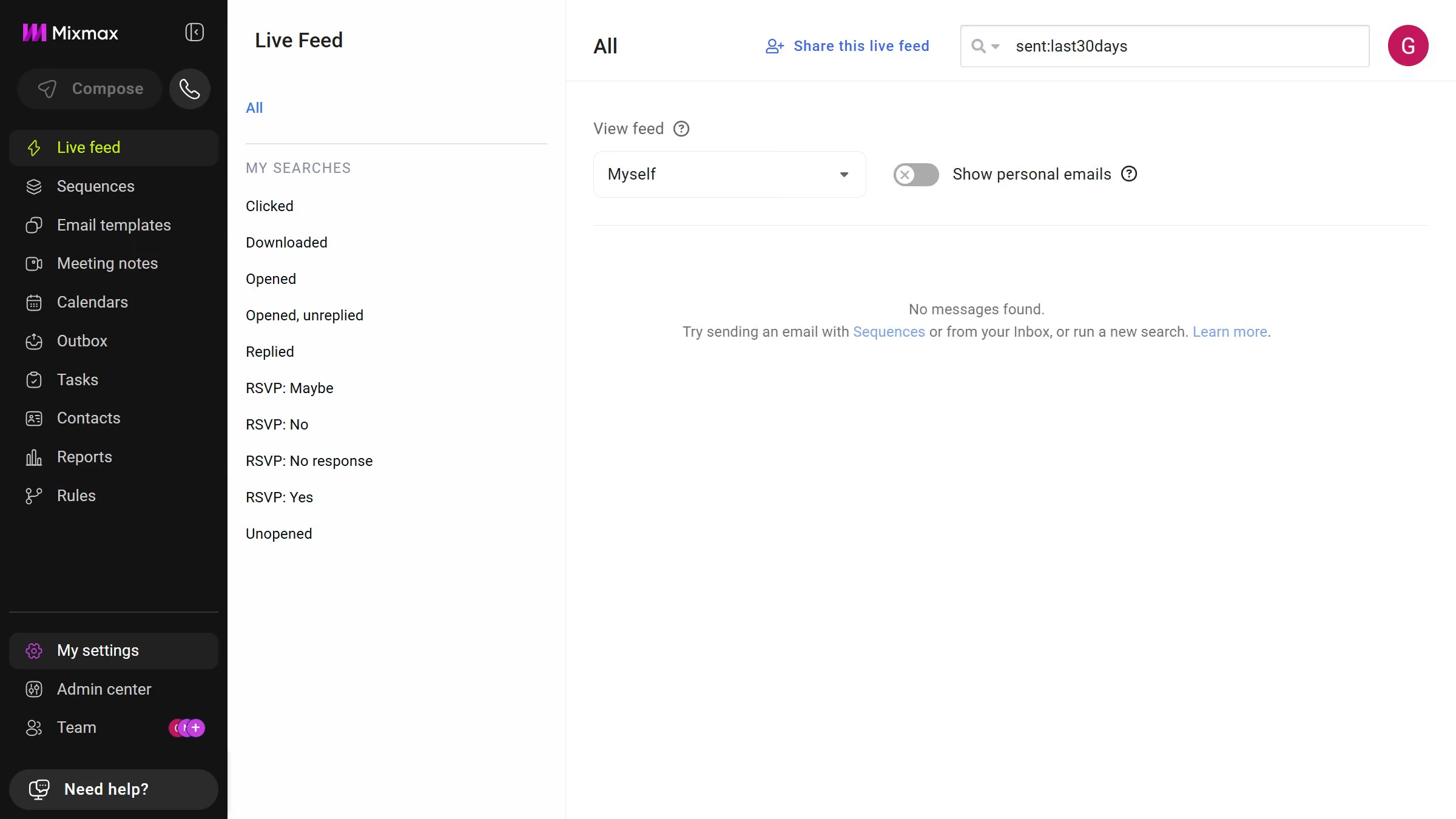
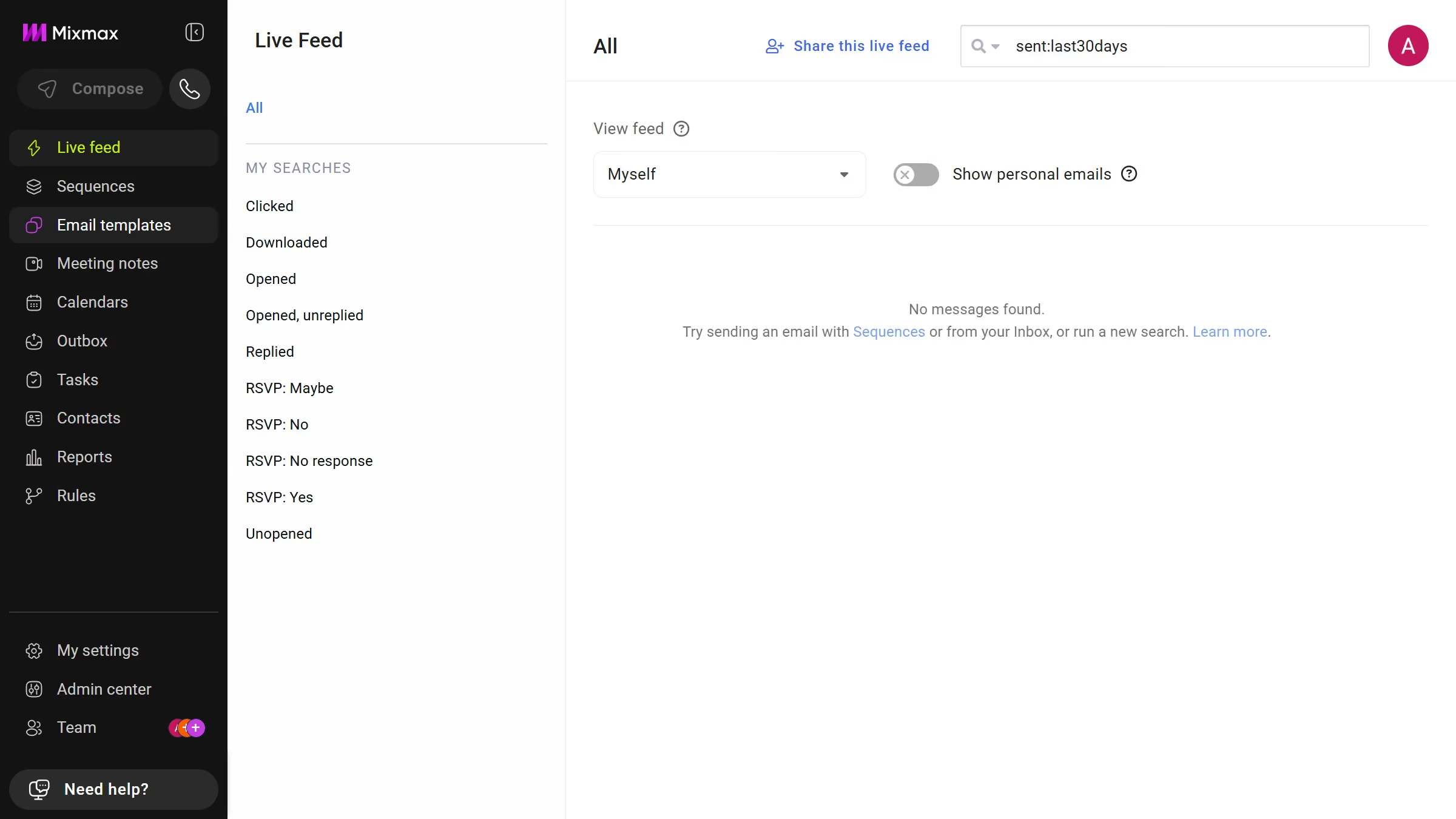
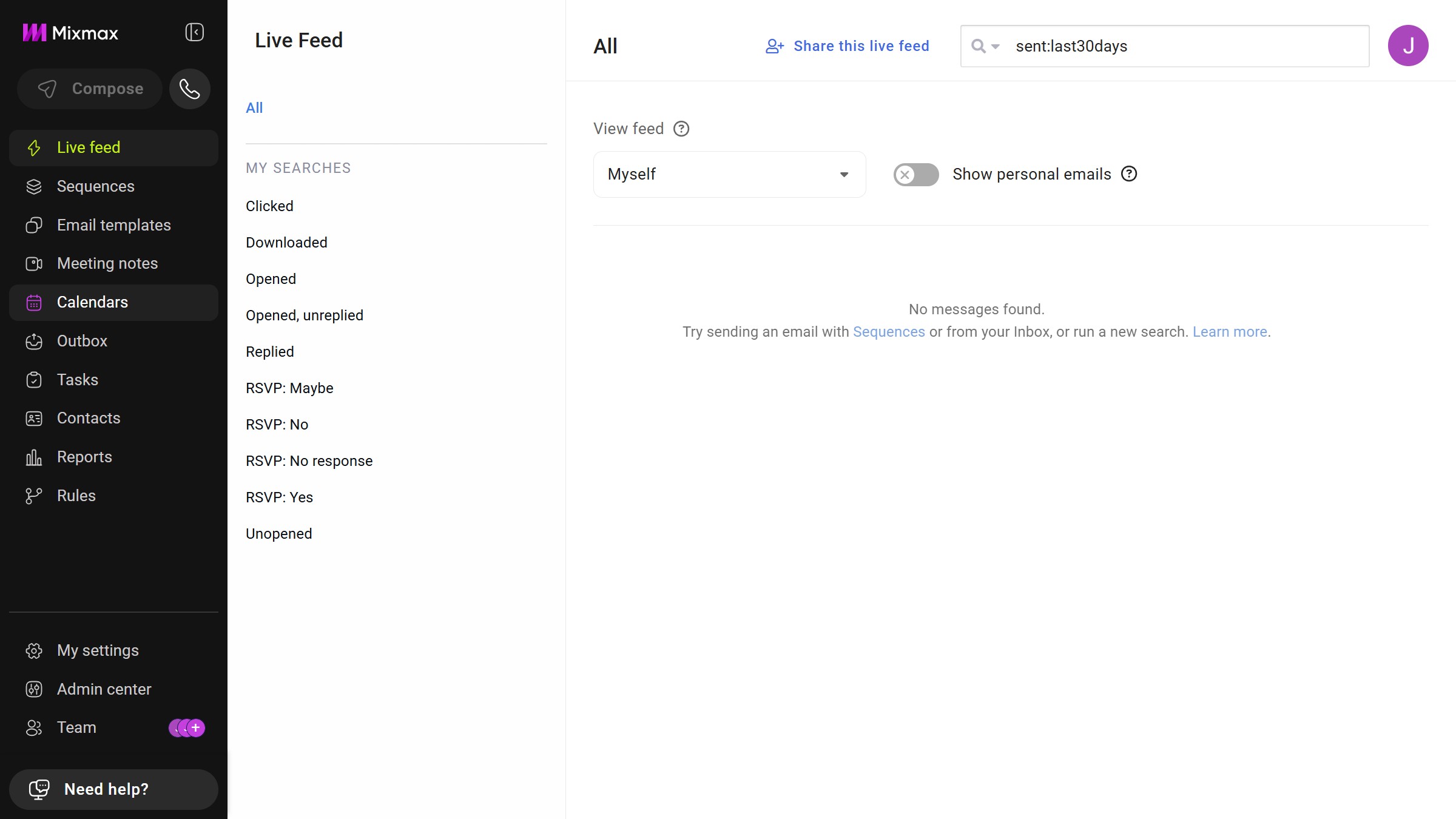
Here is how to view archived email templates in mixmax
- First click on "Email templates" in the sidebar menu
- Then click on "Archive" in the left sidebar menu under MEMBERS section
- You will now see all archived email templates


Create your own interactive guide with Guideflow
Mixmax is a dynamic tool designed to enhance your email productivity and efficiency.
Viewing archived email templates in Mixmax makes managing your communication assets easy and streamlined. This feature allows users to quickly access and reuse valuable templates, maintaining consistency in email correspondence with minimal effort. It's perfect for those who need to revisit previous communications for reuse or inspiration.
Utilizing archived templates ensures that essential messaging lives on, facilitating efficient collaboration and saving time. This feature empowers teams to maintain high standards in their email outreach while improving overall workflow productivity.
Why leading companies build with Guideflow