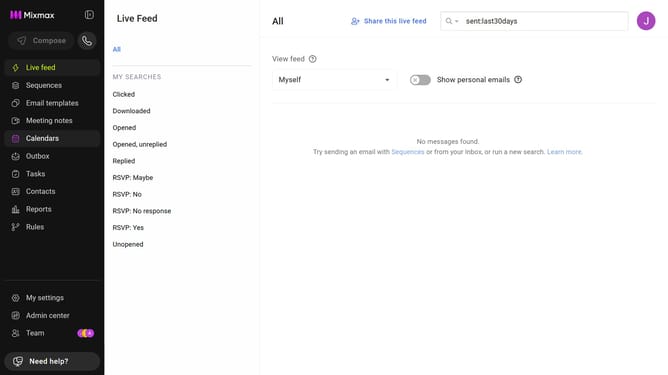
How to disable linking email threads in Mixmax calendar invites
Here is how to disable linking email threads in mixmax calendar invites
- First click on the "Calendars" menu in the left sidebar
- From the list of calendars, click on the calendar you want to edit
- Then locate the "Link to email thread" option under the "OPTIONS" section
- Finally uncheck the checkbox to disable the option
Why should you disable linking email threads in Mixmax calendar invites
Mixmax is a powerful tool that enhances email productivity and efficiency.
One useful feature of Mixmax is the ability to disable linking email threads in calendar invites.
This feature is beneficial for maintaining a clean and focused calendar interface, preventing unnecessary clutter from accumulated email chains.
By disabling this feature, users can ensure that their calendars remain organized, enhancing overall productivity and streamlining collaboration efforts.
Last update