How to stop marking reminder emails as important in Gmail in Mixmax
Here is how to stop marking reminder emails as important in gmail in mixmax
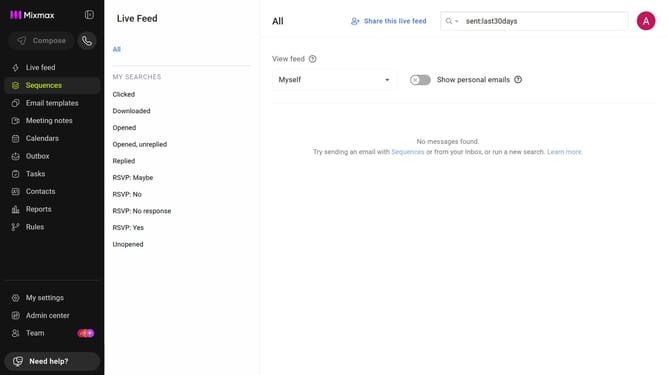
- First click on "My settings" in the sidebar
- Next click on the "Reminders & Send Later" in the settings menu
- Then locate the "Default reminder settings" section
- Finally, uncheck the "Mark email reminders as 'important' in Gmail" checkbox
Why should you stop marking reminder emails as important in Gmail in Mixmax
Mixmax is a dynamic tool designed to supercharge your Gmail experience by integrating seamless productivity features.
One standout function allows you to stop marking reminder emails as important, keeping your inbox clean and organized. With this feature, you gain more control over your email priority settings within Gmail.
By using Mixmax's intelligent sorting capabilities, your workflow becomes smoother, minimizing distractions from over-flagged emails and ensuring your focus remains on the truly important tasks.
Last update