How to disable desktop notifications for opens, clicks, and downloads in a sequence in Mixmax
Here is how to disable desktop notifications for opens, clicks, and downloads in a sequence in mixmax
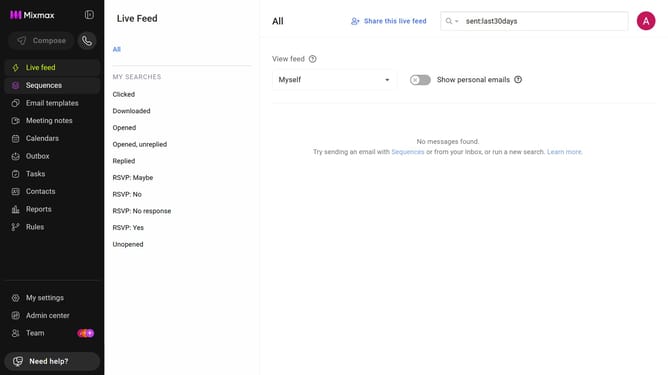
- First click on the "Sequences" in the left sidebar
- Next, click on the sequence you want to configure
- Click on the "Settings" tab in the sequence configuration
- In the left menu, click on "Notifications"
- Then uncheck the "Send desktop notifications for email opens, clicks and downloads" checkbox
- Finally click on the "Save" button to apply the changes
Why should you disable desktop notifications for opens, clicks, and downloads in a sequence in Mixmax
Mixmax is an innovative tool designed to power up your email productivity seamlessly.
One of its handy features is the ability to disable desktop notifications for opens, clicks, and downloads in sequences. This functionality is particularly beneficial for maintaining focus during tasks, minimizing distractions in a bustling work environment.
By managing your notifications, you gain control over your workflow, leading to enhanced productivity and a more serene workspace. Ultimately, this feature empowers you to prioritize tasks more effectively, ensuring a smoother communication experience.
Last update