How to set the default font size to larger for messages in Mixmax
Here is how to set the default font size to larger for messages in mixmax
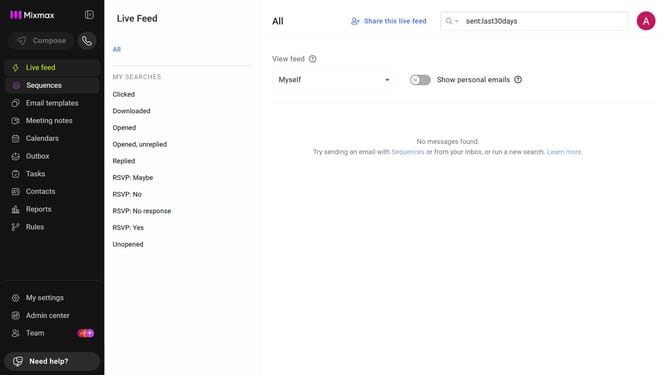
- First click on "My settings" in the sidebar
- Next click on "Composing" in the settings menu
- Then click on the "Size" dropdown under the Formatting section
- Finally select "Larger" from the size options
Why should you set the default font size to larger for messages in Mixmax
Mixmax is a powerful email management tool designed to boost productivity and enhance email communication.
By adjusting the default font size to larger in Mixmax messages, users gain improved readability, making it easier to focus on the content without straining their eyes. This feature enhances the user's experience by creating a more accessible and comfortable reading environment.
Moreover, larger fonts help in conveying messages more clearly to recipients, ensuring information is not missed and making your communications stand out in the inbox.
Last update