Mixmax
Mixmax is a sales engagement platform for revenue teams to automate email outreach, sequences, and meeting scheduling.
Website
Industry
Leadgen
Share this article:

How to view email templates shared with you in Mixmax

Here is how to view email templates shared with you in mixmax

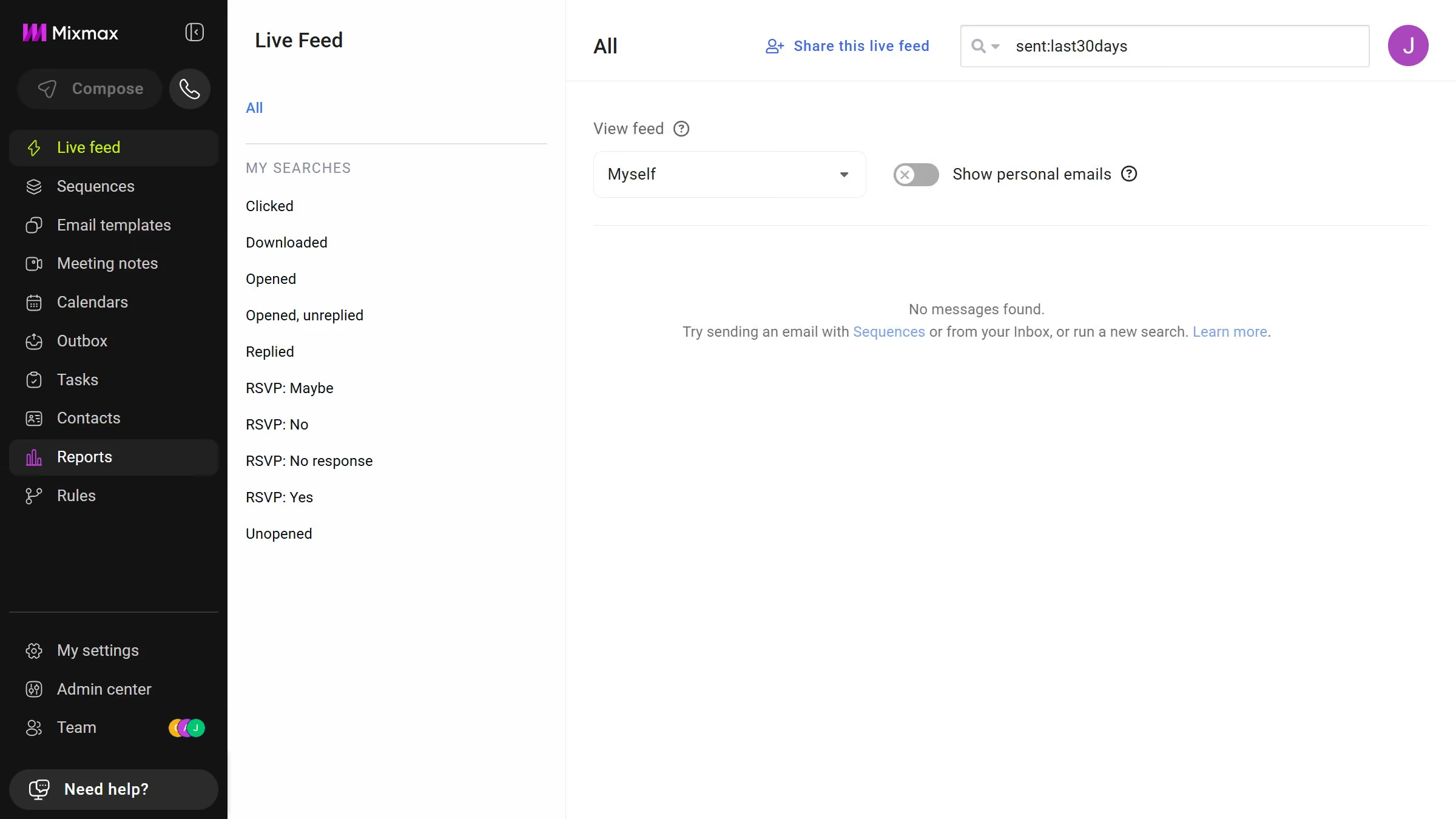
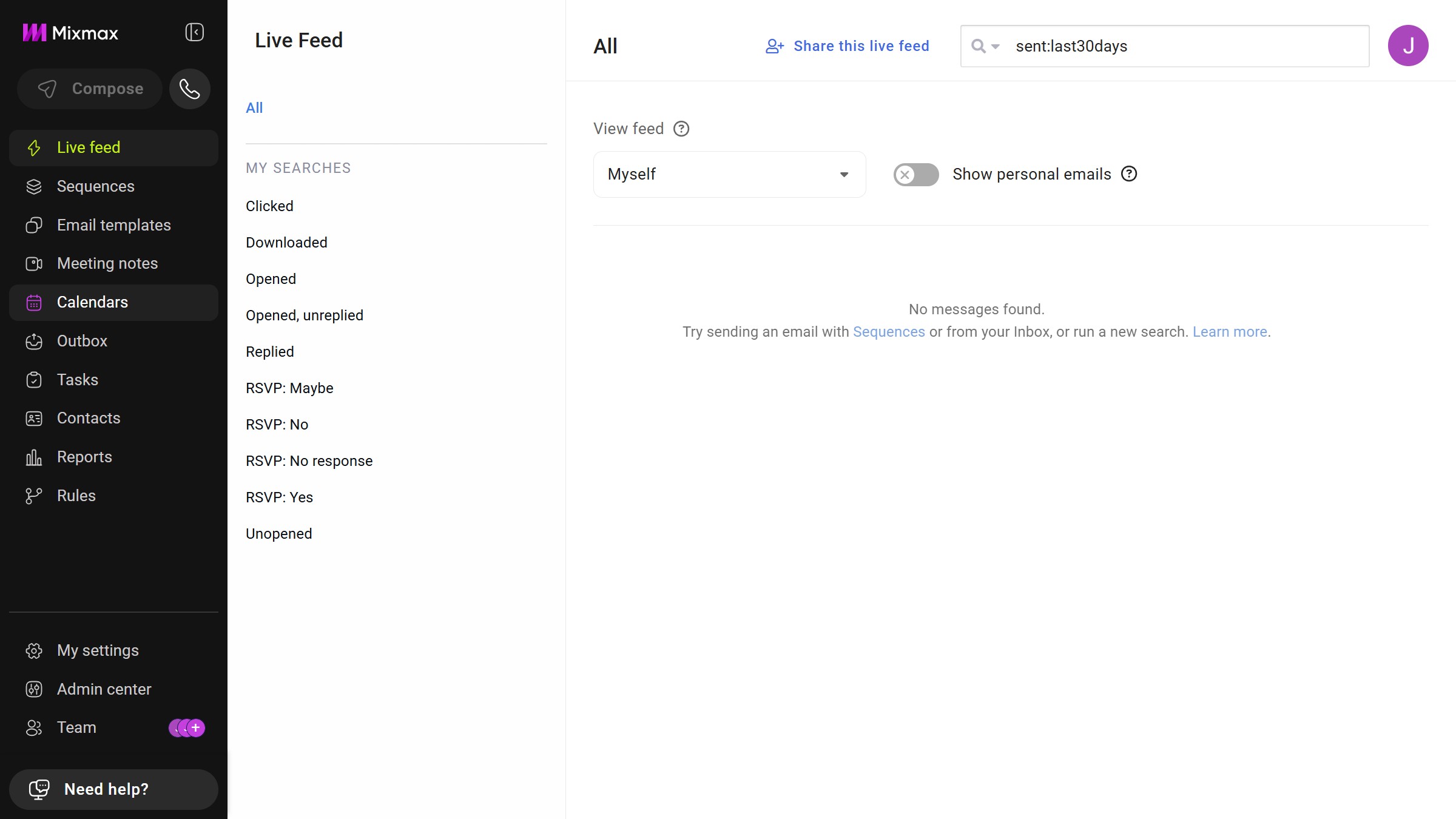
  1. First click on "Email templates" in the sidebar menu
  2. Next, locate the left sidebar in the Email templates page
  3. Then click on the "Shared with me" filter
  4. You will now see all email templates that have been shared with you

Create your own interactive guide with Guideflow

Why should you view email templates shared with you in Mixmax

Mixmax is an innovative platform designed to supercharge your email communication workflows.

Being able to view email templates shared with you in Mixmax amplifies your efficiency by providing instant access to predefined messages. This feature ensures consistent and on-brand communication within teams, seamlessly aligning everyone's efforts.

By leveraging shared templates, you save time and reduce repetitive tasks, allowing you to focus more on crafting meaningful interactions and less on drafting emails from scratch. It fosters collaboration and standardizes communication, enhancing overall productivity.

Last update
May 7, 2026
Cursor MariaA cursor points to a button labeled "James."

Create your first demo in less than 30 seconds.