How to invite members to a team in Mixmax
Here is how to invite members to a team in mixmax
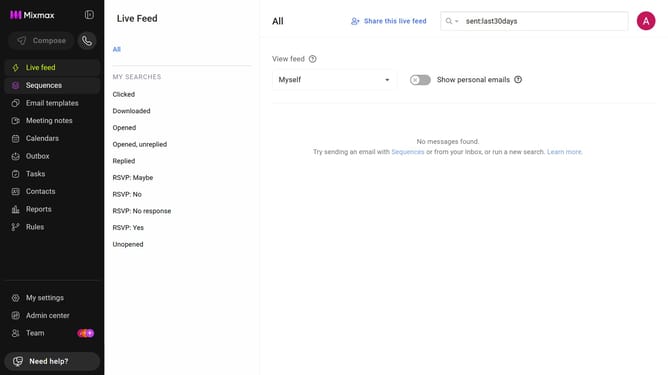
- First click on "Team" in the sidebar menu
- Next click on the "Teams" tab
- Select the team you want to manage
- Then, enter the email address of the person you want to invite
- Finally, select the user from the suggestions to confirm the invitation
- The invited user will receive an invitation to join the team
Why should you invite members to a team in Mixmax
Mixmax is a dynamic productivity suite designed to streamline communication and enhance efficiency.
Inviting members to a team in Mixmax is a straightforward task that strengthens collaboration and unifies team efforts. By adding members, teams can effortlessly coordinate tasks and share vital information, ensuring everyone remains on the same page.
Utilizing this feature boosts productivity by fostering a cohesive work environment, allowing team members to collaborate seamlessly. It enhances coordination and ultimately drives project success.
Last update