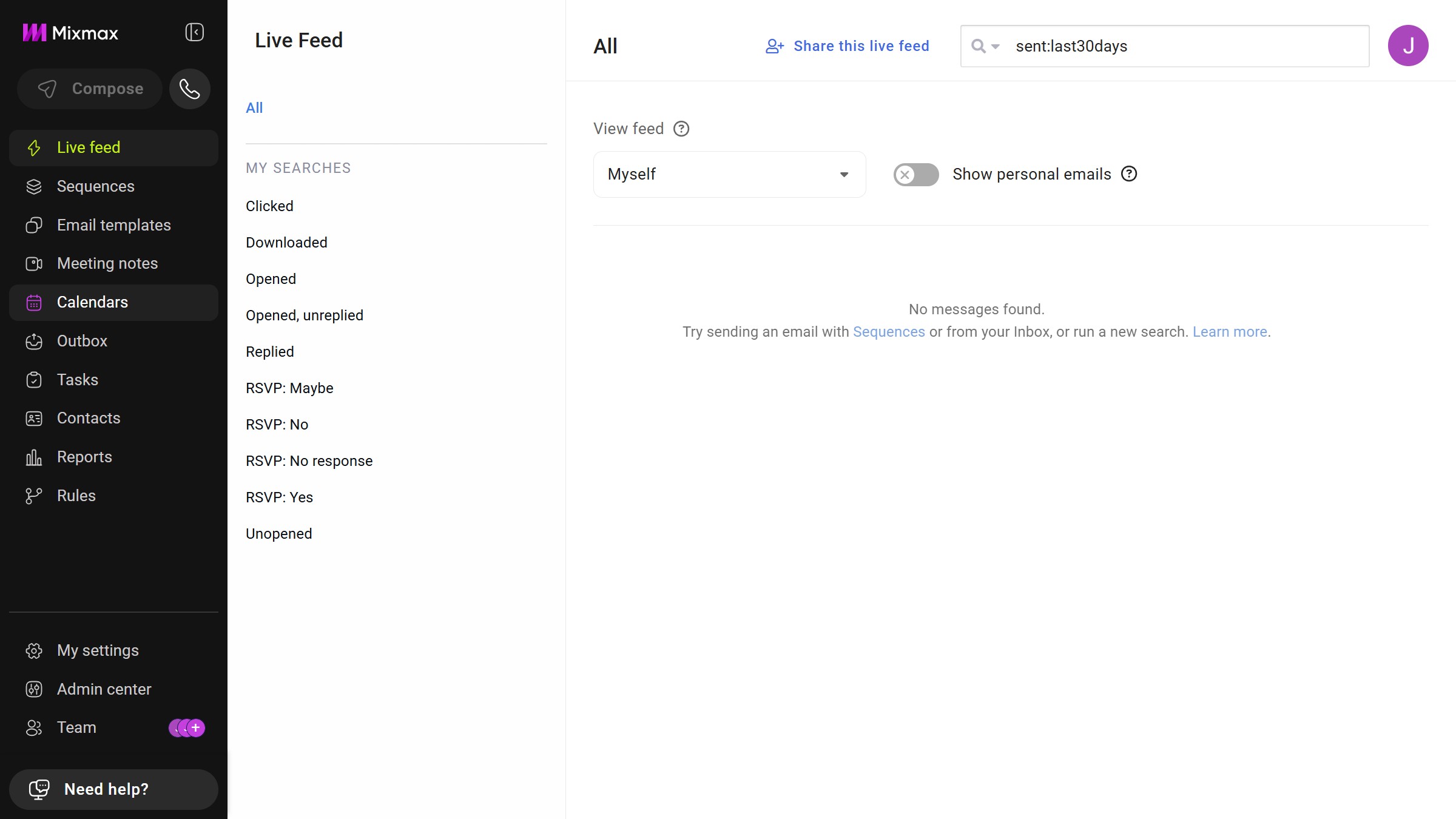
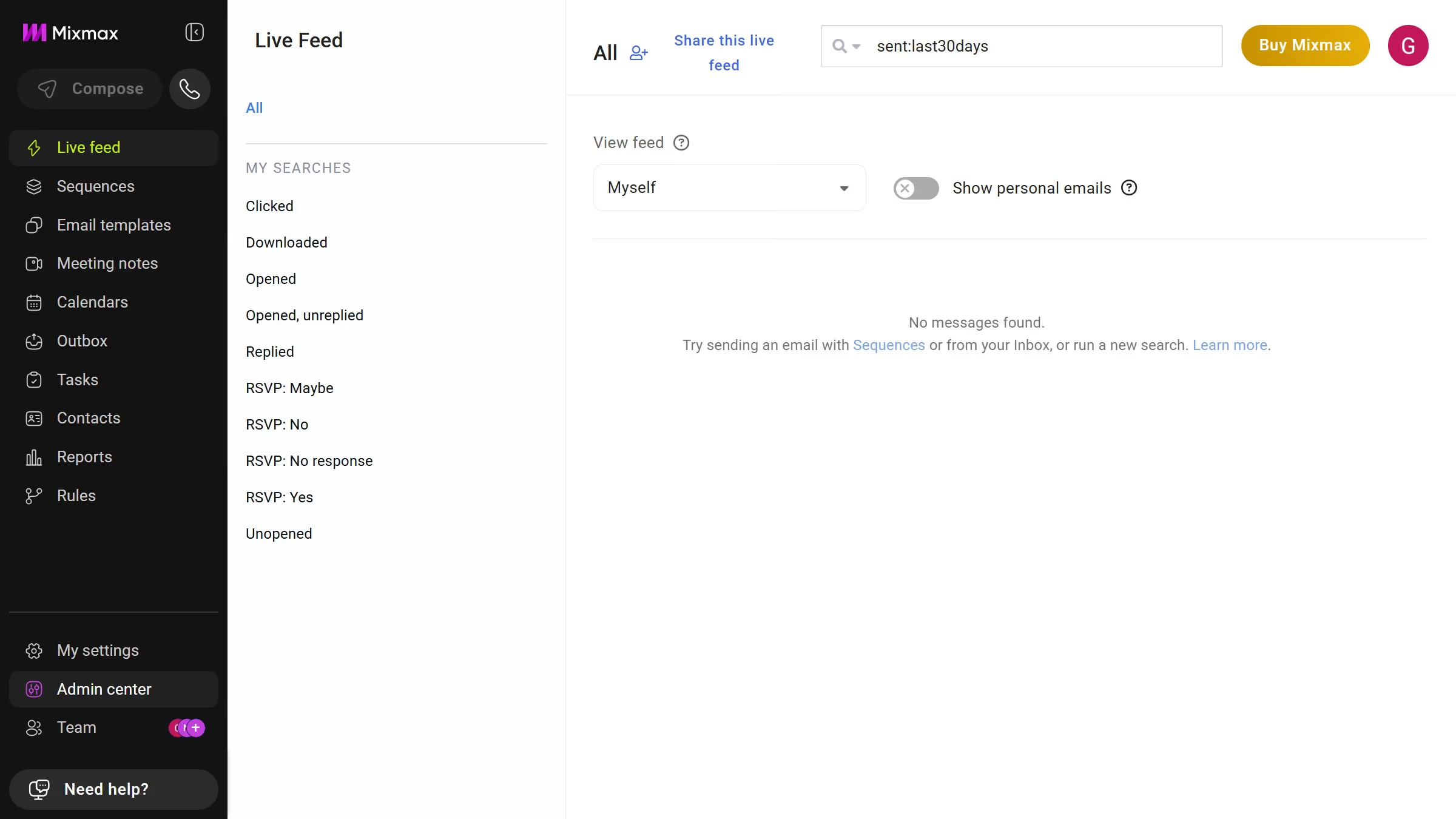
Here is how to filter email templates by folder in mixmax
- First click on "Email templates" in the sidebar menu
- Next, locate the "MY FOLDERS" section in the left sidebar
- Then, click on the folder you want to view


Create your own interactive guide with Guideflow
Mixmax is a powerful tool designed to elevate your email productivity and communication efficiency.
In Mixmax, filtering email templates by folder is a feature that streamlines your workflow by organizing your templates efficiently.
This feature allows you to quickly locate specific templates, saving time and reducing the clutter in your template library.
By being able to filter your templates easily, you ensure that you always have access to the right email, exactly when you need it, enhancing overall productivity and focus.
Why leading companies build with Guideflow