How to add CC recipients to all emails in a sequence in Mixmax
Here is how to add cc recipients to all emails in a sequence in mixmax
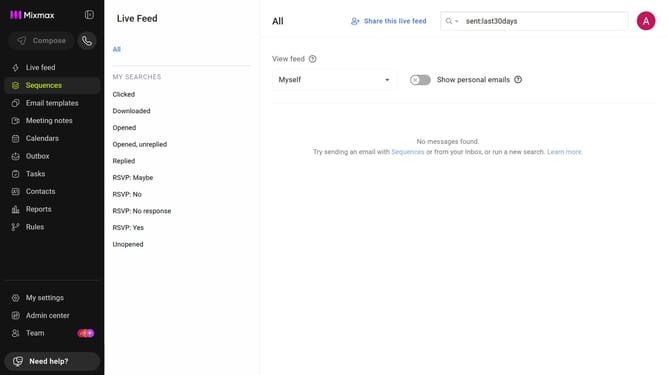
- First click on the "Sequences" in the left sidebar
- Next, open the sequence you want to configure
- Click on the "Settings" tab in the sequence configuration
- In the left sidebar menu, click on "CC & BCC"
- In the "Cc" field, enter a name or email address
- Then select the desired contact from the suggestions
- Finally click on "Save" button to apply the changes
Why should you add CC recipients to all emails in a sequence in Mixmax
Mixmax is a powerful tool designed to enhance your email communication and productivity.
Adding CC recipients to all emails in a sequence in Mixmax is a feature that allows users to effortlessly keep additional stakeholders in the loop without manual input. By using this feature, team collaboration is streamlined, ensuring everyone is informed and aligned throughout the email campaign.
This functionality not only saves time but also improves communication efficiency, making it an invaluable asset for coordinating projects or managing client relationships seamlessly.
Last update