How to disable weekend email sending in Mixmax workspace settings
Here is how to disable weekend email sending in mixmax workspace settings
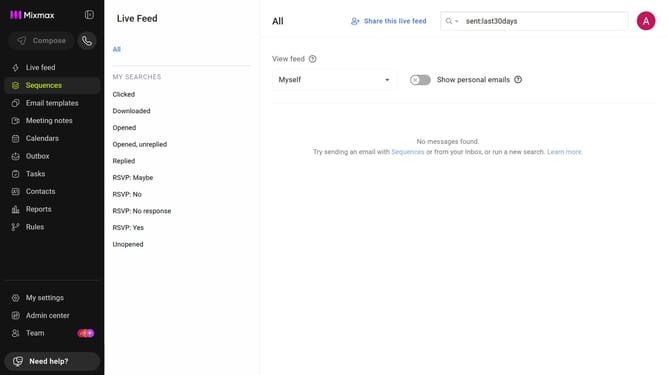
- First click on "Admin center" in the sidebar menu
- In the left sidebar, click on "Workspace settings"
- Next locate the "Daily send limit" section
- Then uncheck the "Allow emails to be sent on weekends" checkbox
- Finally click on the "Modify" button on the confirmation pop-up
Why should you disable weekend email sending in Mixmax workspace settings
Mixmax is a powerful tool designed to enhance productivity and streamline communication for professionals.
One effective feature within Mixmax is the ability to disable weekend email sending in your workspace settings.
This feature helps maintain a healthy work-life balance by ensuring emails are only sent during weekdays, preventing unnecessary interruptions during personal time.
Utilizing this setting can improve team efficiency and keep communication structured, while promoting a more focused and uninterrupted personal life.
Last update