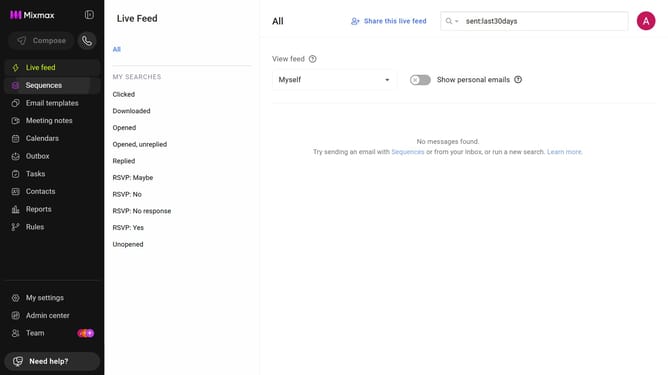
How to stop CC’ing someone in a sequence in Mixmax
Here is how to stop cc’ing someone in a sequence in mixmax
- First click on the "Sequences" in the left sidebar
- Next, open the sequence you want to configure
- Navigate to the "Settings" tab
- After that, click on "CC & BCC" in the left settings menu
- Under the "Cc" field, find the contact you want to remove
- Then, click on the trash icon next to the contact name
- Finally click on "Save" button to apply the changes
Why should you stop CC’ing someone in a sequence in Mixmax
Mixmax is a powerful productivity tool designed to enhance your email experience with advanced features.
One standout feature in Mixmax is the ability to stop CC’ing someone in a sequence. This feature allows you to maintain a clean and precise communication strategy by excluding unnecessary participants from subsequent emails in a sequence.
This is particularly beneficial for keeping communications relevant, reducing clutter in inboxes, and ensuring only the necessary recipients remain engaged in your email conversation.
Last update