How to enable desktop notifications for sequence activity in Mixmax
Here is how to enable desktop notifications for sequence activity in mixmax
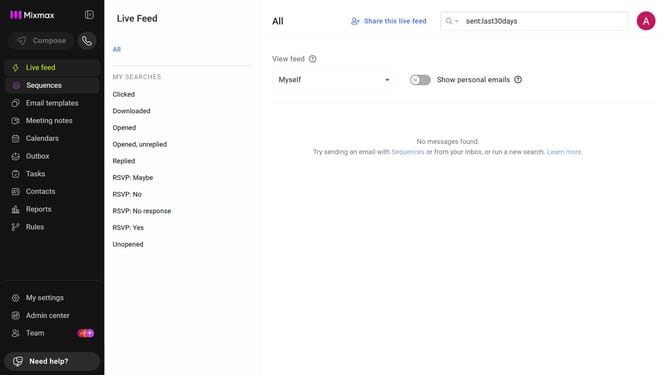
- First click on the "Sequences" in the left sidebar
- Next, click on the sequence you want to configure
- Click on the "Settings" tab in the sequence configuration
- In the left menu, click on "Notifications"
- Then check the box for "Send desktop notifications for email opens, clicks and downloads"
- Finally click on the "Save" button to apply the changes
Why should you enable desktop notifications for sequence activity in Mixmax
Mixmax is a powerful email productivity tool designed to enhance communication and workflow efficiency.
Enabling desktop notifications for sequence activity in Mixmax offers real-time updates, ensuring that you never miss important actions within your sequences.
These notifications are crucial for timely follow-ups, maintaining momentum in communication efforts, and ultimately increasing engagement rates.
By staying instantly informed, you can react and adapt swiftly, making your email strategies more effective and responsive.
Last update