How to view reports in Mixmax
Here is how to view reports in mixmax
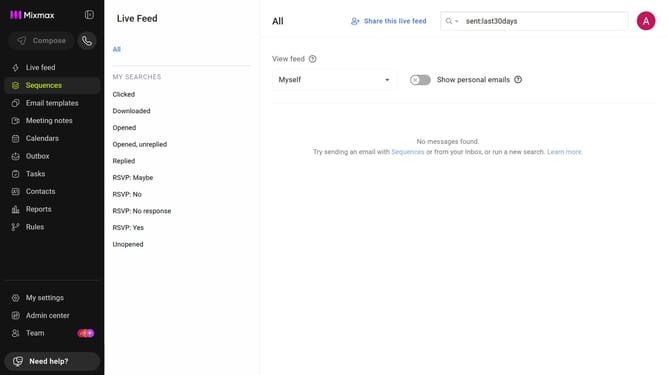
- First click on "Reports" in the sidebar menu
- Then click on the "Dashboard" tab in the left corner
- You will now be on the Reports Dashboard where you can view analytics and insights
Why should you view reports in Mixmax
Mixmax is a powerful email automation tool designed to enhance productivity and streamline communication.
One of the standout features of Mixmax is its intuitive reporting capability. Viewing reports in Mixmax provides users with insightful analytics that are essential for tracking engagement and performance metrics.
By utilizing these reports, users can easily assess the effectiveness of their email strategies, identify trends, and make informed decisions to optimize their outreach. This feature ensures you're always on top of your email game.
Last update