How to invite users to a sequence in Mixmax
Here is how to invite users to a sequence in mixmax
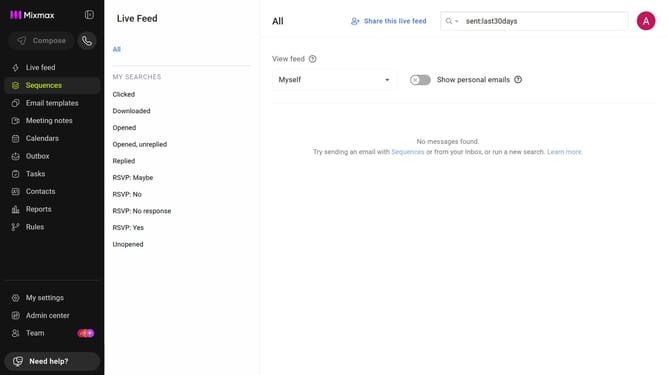
- First click on the "Sequences" in the left sidebar
- Locate the sequence you want to share from the list
- Next, click on the three-dot menu next to the sequence
- Then select "Share sequence" option from the dropdown menu
- In the sharing panel, enter the user’s name or email address
- Next select the user from the suggestions
- After that, click on the permission dropdown
- Then choose the appropriate permission from the dropdown
- Finally click on the "Done" button to confirm and send the invitation
Why should you invite users to a sequence in Mixmax
Mixmax is a powerful tool designed to enhance your Gmail experience with seamless productivity features.
Inviting users to a sequence in Mixmax is a straightforward process that supports collaborative team efforts. This feature allows you to effortlessly include team members or clients in ongoing communication threads, ensuring everyone remains on the same page.
The benefits are manifold: streamline your outreach, maximize engagement, and improve coordination. This process not only saves time but also fosters a more organized and effective workflow. By leveraging this feature, you can ensure your team's communication strategy is both efficient and cohesive.
Last update