How to hide the slash command menu when typing a slash in Mixmax
Here is how to hide the slash command menu when typing a slash in mixmax
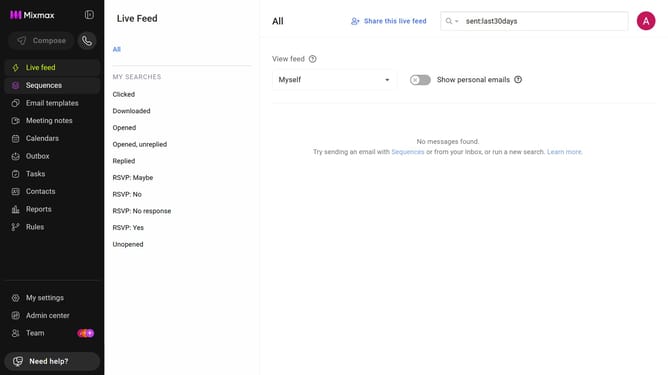
- First click on "My settings" in the sidebar
- Next click on "Composing" in the settings menu
- Then locate the "Message options" section
- Finally, uncheck the box next to "Slash Commands" option
Why should you hide the slash command menu when typing a slash in Mixmax
Mixmax is an intuitive tool designed to enhance productivity and streamline communication within your email.
One useful feature is the ability to temporarily hide the slash command menu when typing a slash. This is perfect for those moments when you want to focus purely on drafting text without the distraction of additional menu shortcuts popping up.
By hiding the command menu, users can customize their workspace and boost their workflow by concentrating on what's most important at the moment, ultimately simplifying their email experience.
This feature underscores Mixmax's commitment to providing a clean, efficient user interface.
Last update