How to disable editing access to all shareable assets in Mixmax
Here is how to disable editing access to all shareable assets in mixmax
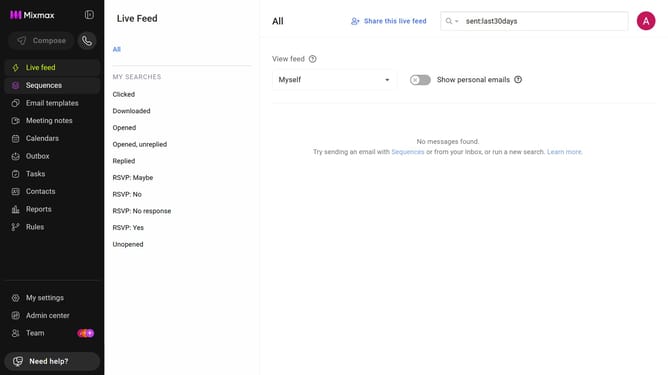
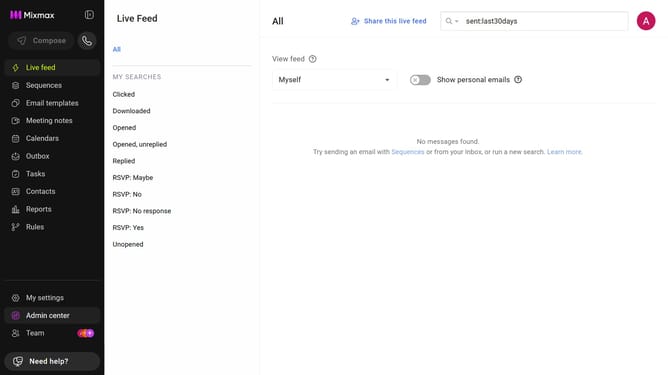
- First, click on "Admin center" in the sidebar menu
- In the sidebar, click on "Roles"
- Next, click on the "Mixmax" tab
- Then locate the "Mixmax Settings" section
- Finally, uncheck the box for "Grant edit access to all shareable assets in your workspace."
Why should you disable editing access to all shareable assets in Mixmax
Mixmax is a dynamic productivity platform designed to streamline communication workflows.
One valuable feature is the ability to disable editing access to all shareable assets.
This functionality ensures that your content remains consistent and secure, preventing unintended alterations while maintaining control over shared materials.
Utilizing this feature enhances collaboration by allowing team members to view essential resources without risking unapproved changes.
It supports an efficient workflow and ensures data integrity across your projects.
Last update