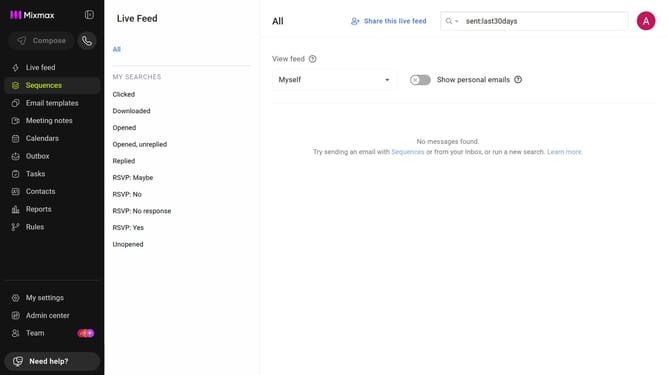
How to sort your sequences by title in Mixmax
Here is how to sort your sequences by title in mixmax
- First click on the "Sequences" in the left sidebar
- Next click on the "SORT BY" dropdown above the sequences list
- Then, select "Title" from the dropdown menu
- If needed, click on the sort icon next to the dropdown to choose ascending or descending order
Why should you sort your sequences by title in Mixmax
Mixmax simplifies workflow and ensures seamless communication management for busy professionals.
Sorting your sequences by title in Mixmax enhances your organizational capabilities, giving you instant access to your preferred sequence titles. It ensures that finding the right sequence is just a glance away, making your workflow smoother and more efficient.
This feature dramatically improves productivity by cutting down the time you spend searching, allowing you to focus more on impactful communication.
With Mixmax, your sequences are neatly aligned, letting you prioritize and navigate your tasks effortlessly.
Last update