How to set the time format to 24-hour in your Mixmax calendar
Here is how to set the time format to 24-hour in your mixmax calendar
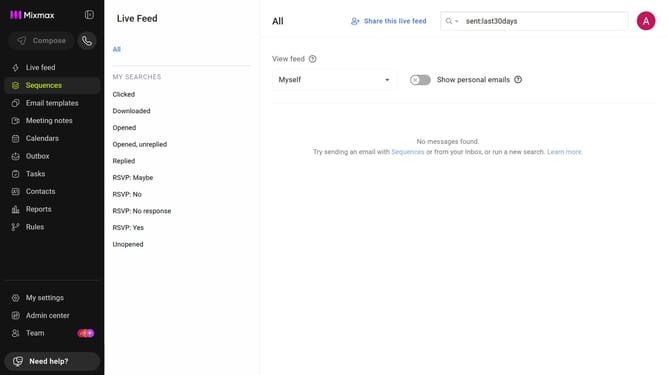
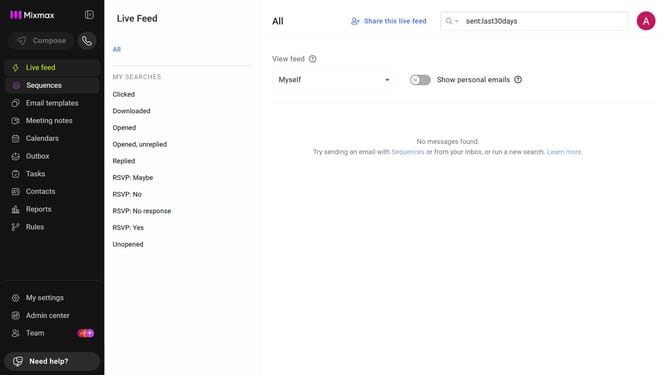
- First click on "My settings" in the left sidebar
- Next click on the "Calendar" in the settings menu
- Then locate the "Display options" section
- Finally, select "24 hour" under "Time format"
Why should you set the time format to 24-hour in your Mixmax calendar
Mixmax transforms email into a powerful productivity tool, seamlessly integrating with your workflow.
Switching your Mixmax calendar to the 24-hour time format is a smart move if you prefer military time or need to coordinate across different time zones. This feature ensures precision, eliminating any possible AM-PM confusion, especially for international meetings.
Using the 24-hour format enhances clarity and professionalism, streamlining your scheduling process and ensuring efficiency in communication across your team.
Last update