How to grant edit permissions for shared assets in Mixmax
Here is how to grant edit permissions for shared assets in mixmax
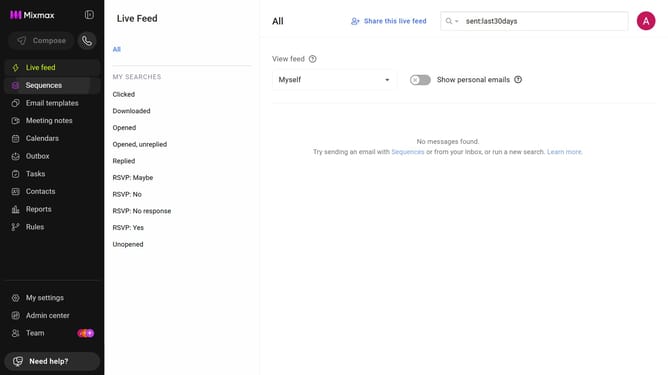
- First, click on "Admin center" in the sidebar menu
- In the sidebar, click on "Roles"
- Next, click on the "Mixmax" tab
- Then locate the "Mixmax Settings" section
- Finally, check the box for "Grant edit access to all shareable assets in your workspace"
Why should you grant edit permissions for shared assets in Mixmax
Mixmax is a powerful communication platform designed to supercharge your email productivity.
Within Mixmax, the ability to grant edit permissions for shared assets ensures seamless collaboration across teams. This feature empowers users to manage and update shared resources efficiently, without the hassle of multiple back-and-forth communications.
Utilizing edit permissions not only fosters a collaborative environment but also enhances project management by providing team members the flexibility to make necessary adjustments in real time, leading to improved outcomes and streamlined workflows.
Last update