How to set the maximum number of meetings per day in Mixmax
Here is how to set the maximum number of meetings per day in mixmax
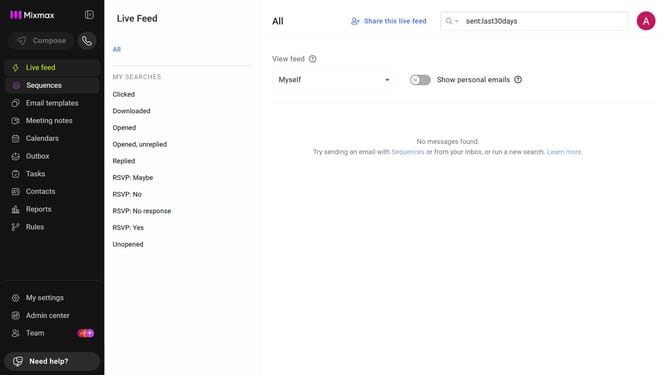
- First click on "My settings" in the sidebar menu
- Next click on "Calendar" in the left settings menu
- Locate the "Calendars" section
- Then, toggle on the "Enable daily maximum meetings" option
- Finally, enter the maximum number of meetings allowed per day in the "Meetings per day" field
Why should you set the maximum number of meetings per day in Mixmax
Mixmax is a comprehensive tool designed to simplify and enhance email productivity.
One standout feature is the ability to set the maximum number of meetings per day, allowing users to manage their schedules effectively. This feature is invaluable for maintaining a balanced workload and preventing overbooking.
By setting meeting limits, professionals ensure productivity and preserve personal time, reducing stress and enhancing work-life balance. This proactive time management approach fosters a more organized and calm work environment.
Last update