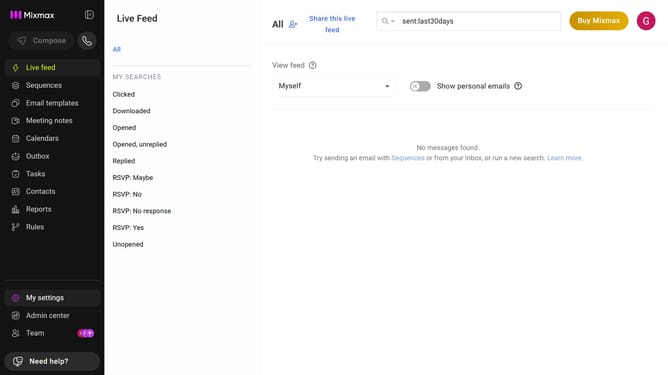
How to set the daily send limit to 700 emails per user in Mixmax workspace settings
Here is how to set the daily send limit to 700 emails per user in mixmax workspace settings
- First click on "Admin center" in the sidebar menu
- In the left sidebar, click on "Workspace settings"
- Next locate the "Daily send limit" section
- After that, click on the "Limit" dropdown
- Then, select "700" from the dropdown list
- Finally click on the "Modify" button in the pop-up window
Why should you set the daily send limit to 700 emails per user in Mixmax workspace settings
Mixmax is a powerful tool designed to enhance email productivity and streamline communication.
Setting the daily send limit to 700 emails per user is a valuable feature of Mixmax workspace settings that empowers users to manage their email activities more effectively.
This feature helps maintain email deliverability by preventing over-sending, which can lead to emails being marked as spam. By optimizing daily limits, users can maximize engagement and ensure critical messages reach their intended audience efficiently.
Last update