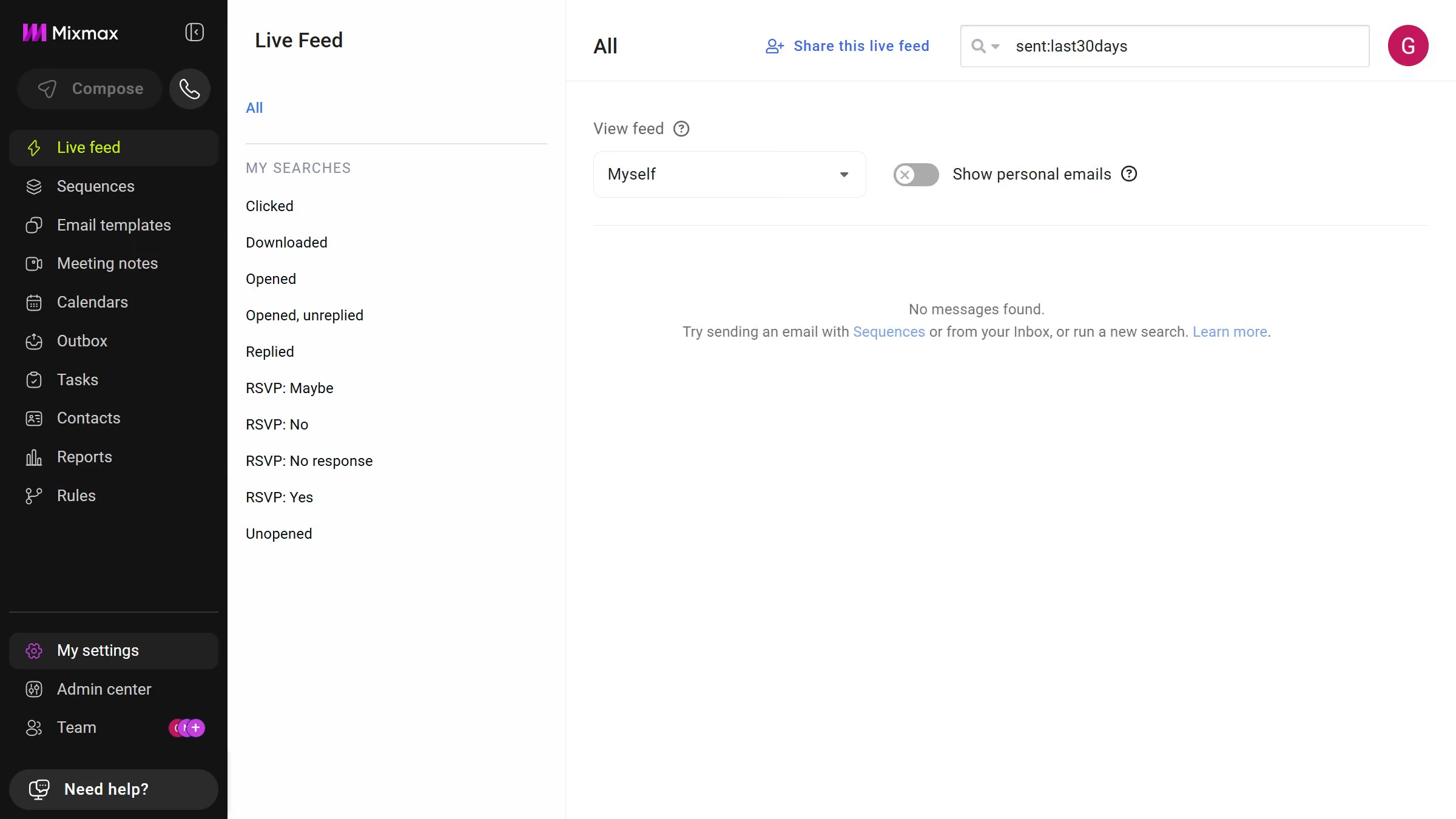
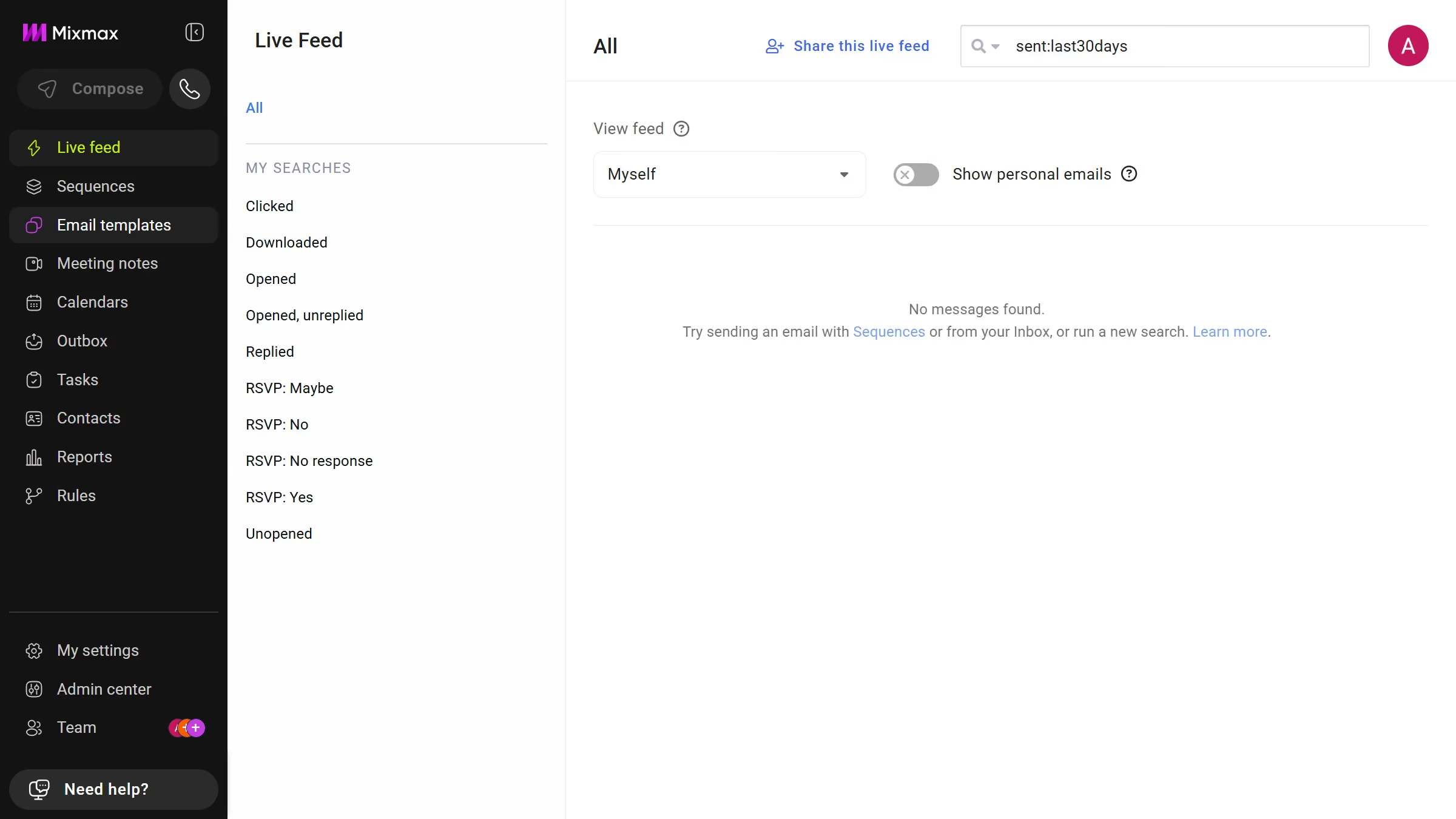
Here is how to view email templates from this month in mixmax
- First click on "Email templates" in the sidebar menu
- Next click on the "DATE RANGE" dropdown above the templates list
- Then select "This month" from the dropdown menu


Create your own interactive guide with Guideflow
Mixmax is a powerful tool designed to enhance and streamline email management experiences.
Viewing email templates from this month in Mixmax empowers you to stay organized and maintain a fresh perspective on communication strategies. This feature enables you to easily access and review the most recent templates, ensuring that your email campaigns are current and relevant.
By leveraging this capability, you can quickly identify successful templates and optimize your engagement efforts. It provides peace of mind knowing your team is consistently aligned with current initiatives.
Why leading companies build with Guideflow