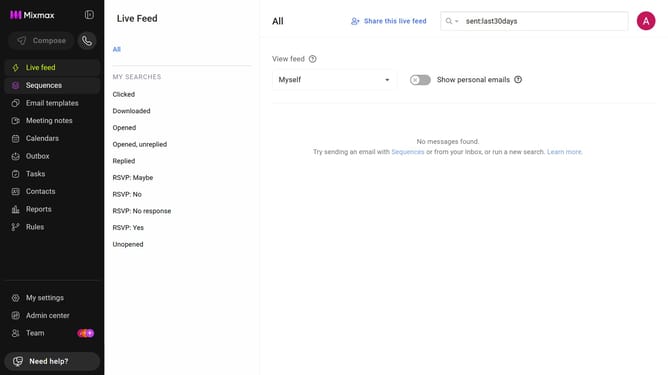
How to allow anyone with the link to view your shared email links in Mixmax
Here is how to allow anyone with the link to view your shared email links in mixmax
- First, click on "Admin center" in the sidebar menu
- In the sidebar, click on "Roles"
- Next, click on the "Mixmax" tab
- Then locate the "Shared Emails" section
- Finally select the "Anyone with the link" option under "Viewable by"
Why should you allow anyone with the link to view your shared email links in Mixmax
Mixmax streamlines your email experience by providing powerful communication tools and enhancing email functionality.
Allowing anyone with the link to view your shared email links in Mixmax is a seamless feature that promotes open collaboration and easy information sharing. This function eliminates access barriers, enabling recipients to conveniently engage with shared content without needing a Mixmax account.
By using this feature, you foster a more inclusive communication environment, which enhances teamwork and ensures important information is accessible to all relevant parties effortlessly.
Last update