How to copy your calendar embed code in Mixmax
Here is how to copy your calendar embed code in mixmax
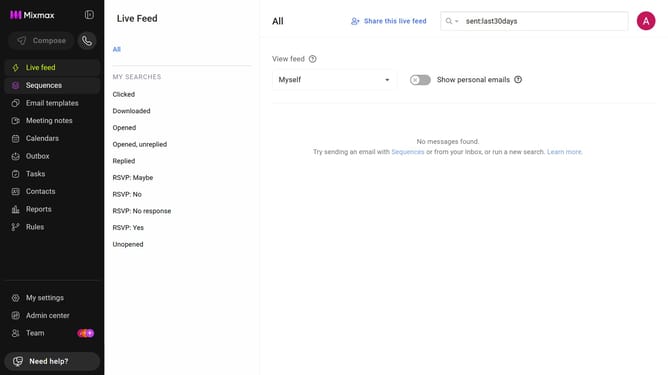
- First click on the "Calendars" menu in the left sidebar
- From the list of calendars, click on the calendar you want to embed
- Next, click on the "Share your link" button in the top menu
- Then, click on the "Copy code" button next to the Embed code
Why should you copy your calendar embed code in Mixmax
Mixmax transforms the way professionals handle their email communications by supercharging productivity tools.
One standout feature is the ability to seamlessly copy your calendar embed code. This makes scheduling straightforward and intuitive.
Embedding your calendar in emails streamlines the process of finding mutually convenient times, eliminating the back-and-forth typically associated with scheduling.
This powerful feature enhances communication efficiency, allowing you to maintain a more organized and well-managed schedule, benefiting everyone involved.
Last update