How to enable New Feature Announcements in Mixmax
Here is how to enable new feature announcements in mixmax
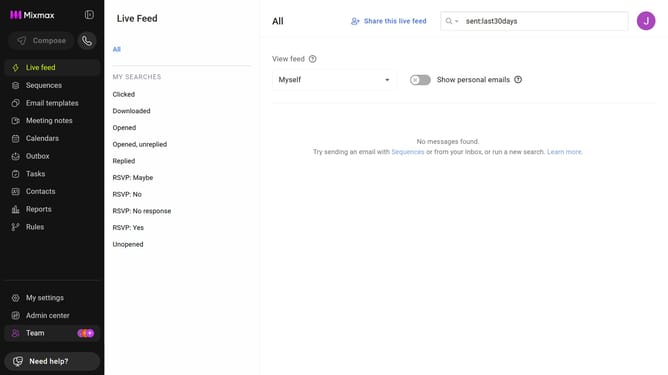
- First click on "My settings" in the sidebar
- Then, locate the "Newsletters" option in the General settings
- Finally check the checkbox next to "New feature announcements" to enable it
Why should you enable New Feature Announcements in Mixmax
Mixmax revolutionizes your email productivity by seamlessly integrating with your workflow.
The New Feature Announcements in Mixmax keep users informed about the latest enhancements and updates.
Enabling this feature ensures you are always up-to-date, maximizing efficiency and taking full advantage of the platform's capabilities.
Staying informed about new features enhances your productivity and keeps you at the forefront of email communication technology.
Last update