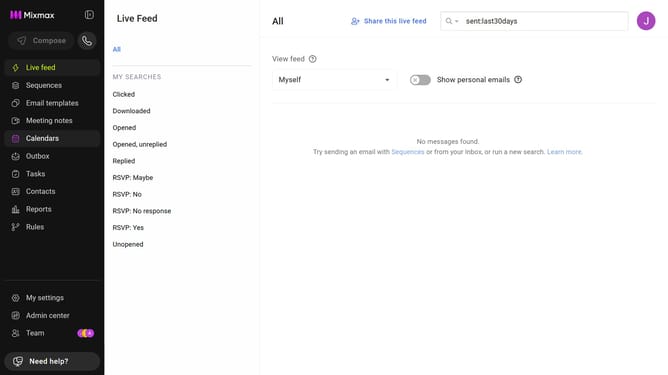
How to copy HTML code to embed your Mixmax calendar
Here is how to copy html code to embed your mixmax calendar
- First click on the "Calendars" menu in the left sidebar
- From the list of calendars, click on the calendar you want to embed
- Next, click on the "Share your link" button in the top menu
- Then, click on the "Copy code" button next to the Embed code
Why should you copy HTML code to embed your Mixmax calendar
Mixmax optimizes your email productivity with seamless integrations and smart scheduling.
One standout feature is the ability to easily embed your Mixmax calendar. By copying the HTML code, integrating this calendar into your website or blog becomes a breeze.
This integration promotes efficiency by offering a direct scheduling link to your audience, reducing back-and-forth emails. It enhances user experience, offering a simple way for others to book a meeting with you directly through your site.
Ultimately, it cultivates a streamlined workflow and boosts proactive scheduling.
Last update