Mixmax
Mixmax is a sales engagement platform for revenue teams to automate email outreach, sequences, and meeting scheduling.
Website
Industry
Leadgen
Share this article:

How to define how long shared file links remain active in Mixmax

Here is how to define how long shared file links remain active in mixmax

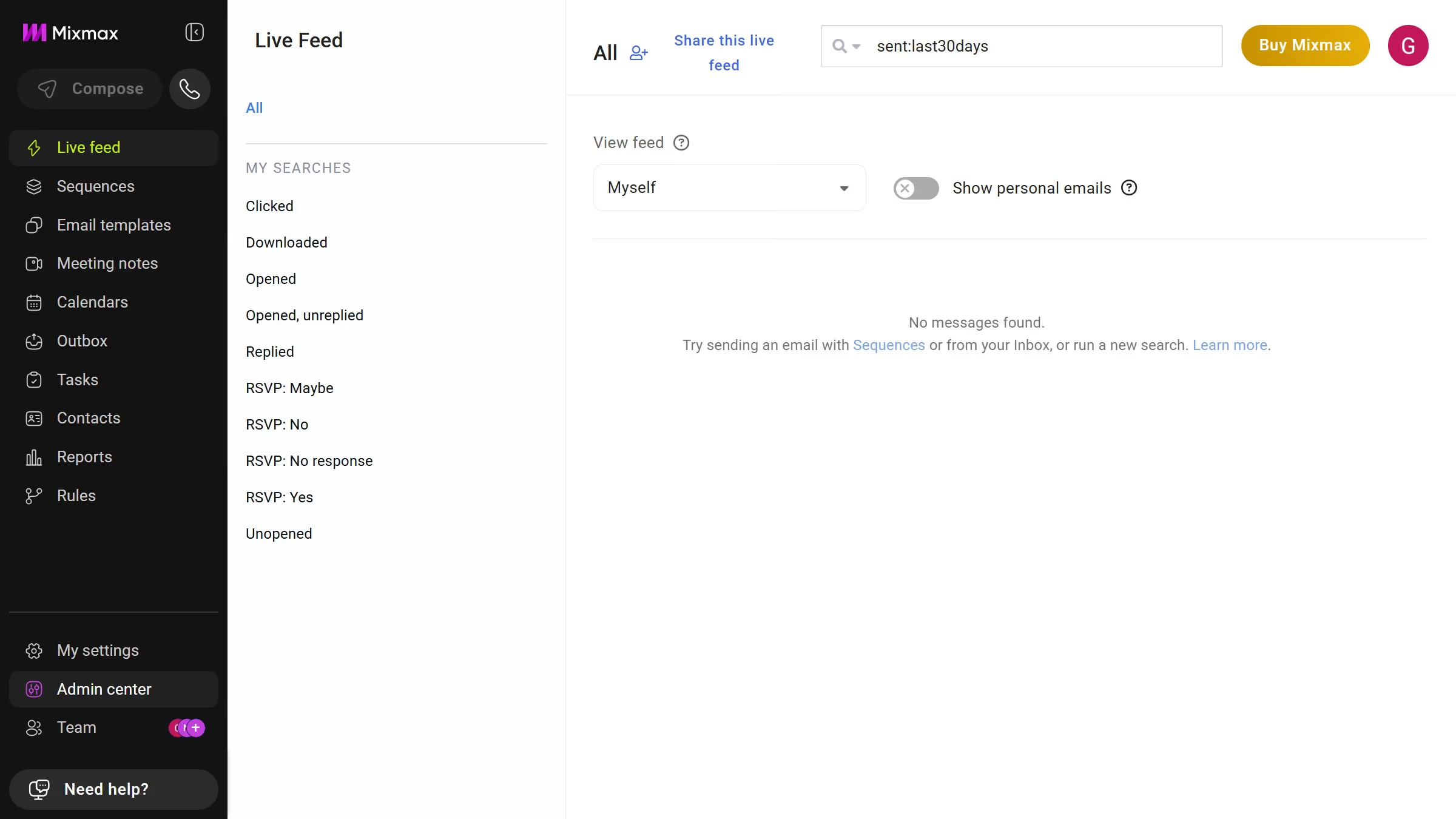
  1. First, click on "Admin center" in the sidebar menu
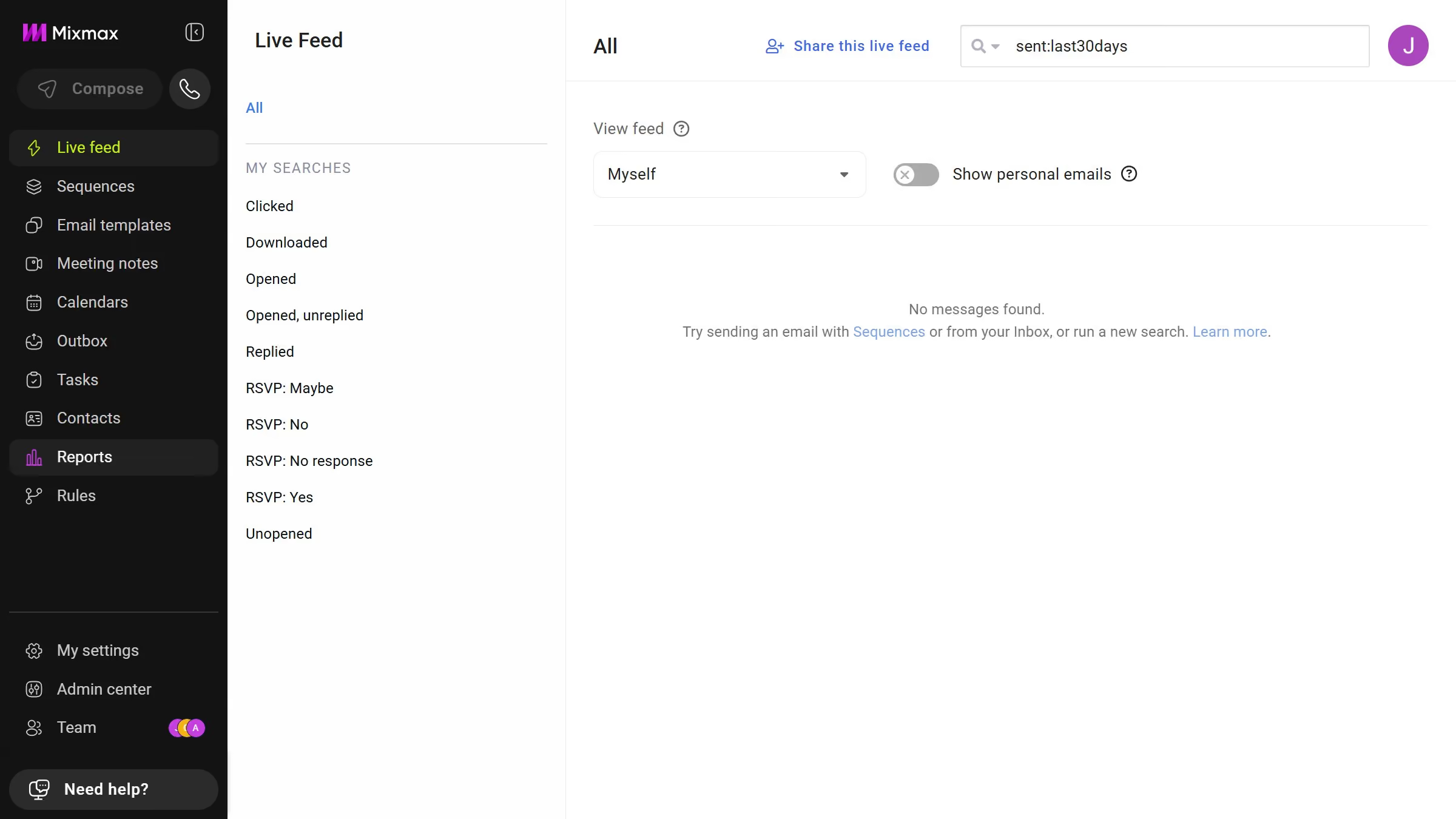
  2. In the sidebar, click on "Roles"
  3. Next, click on the "Mixmax" tab
  4. Then locate the "Shared Files" section
  5. Then, select the input field to set the expiration period
  6. Finally, enter your preferred duration

Create your own interactive guide with Guideflow

Why should you define how long shared file links remain active in Mixmax

Mixmax is a powerful communication tool designed to enhance email productivity.

One standout feature is the ability to define how long shared file links remain active.

This feature allows users to set expiration dates for file links, ensuring sensitive information isn't accessible indefinitely.

Such control brings enhanced security and peace of mind, making collaboration both efficient and safe.

By using this feature, professionals can manage and tailor their file-sharing practices to meet specific needs effortlessly.

Last update
April 28, 2026
Cursor MariaA cursor points to a button labeled "James."

Create your first demo in less than 30 seconds.