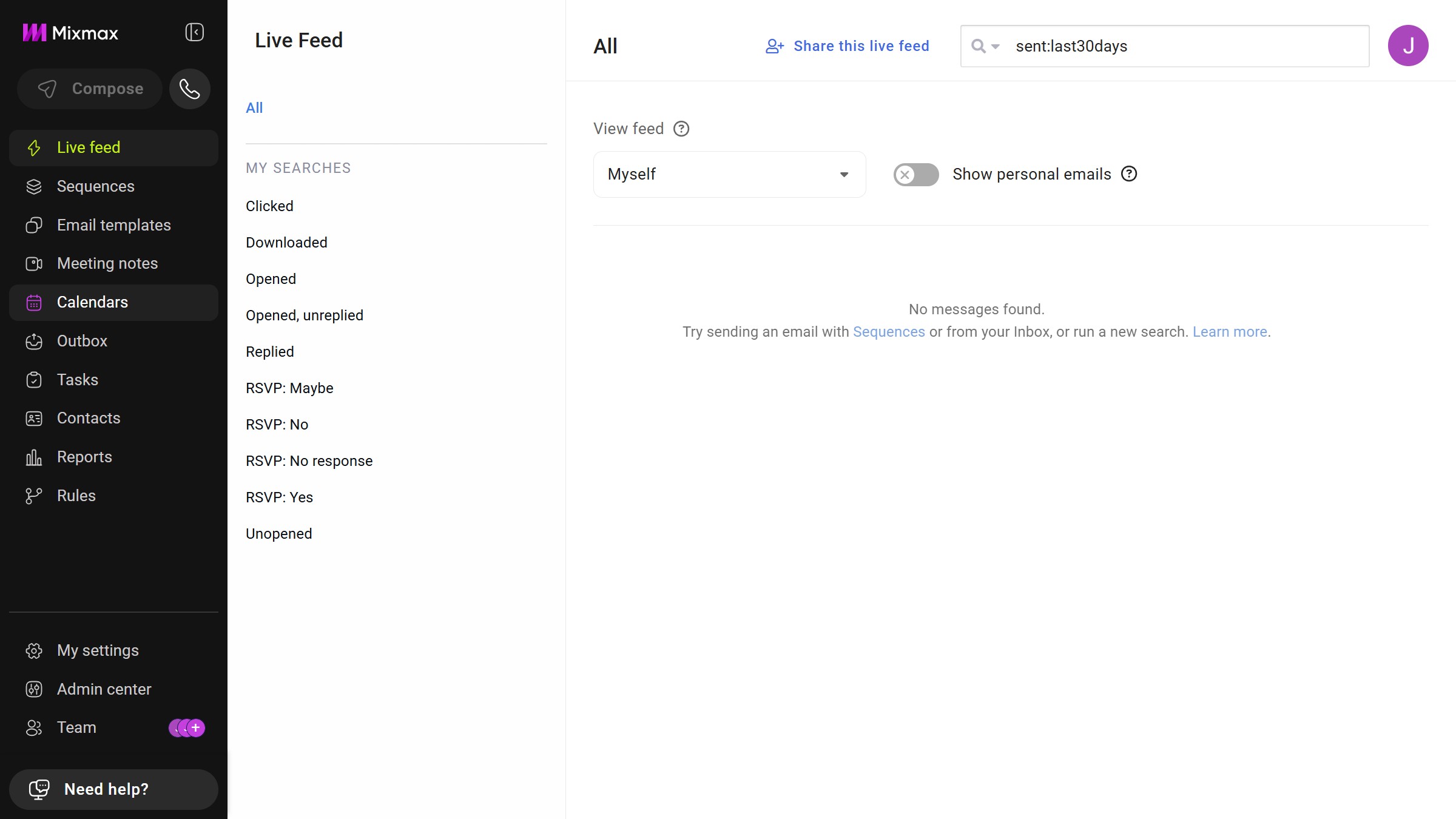
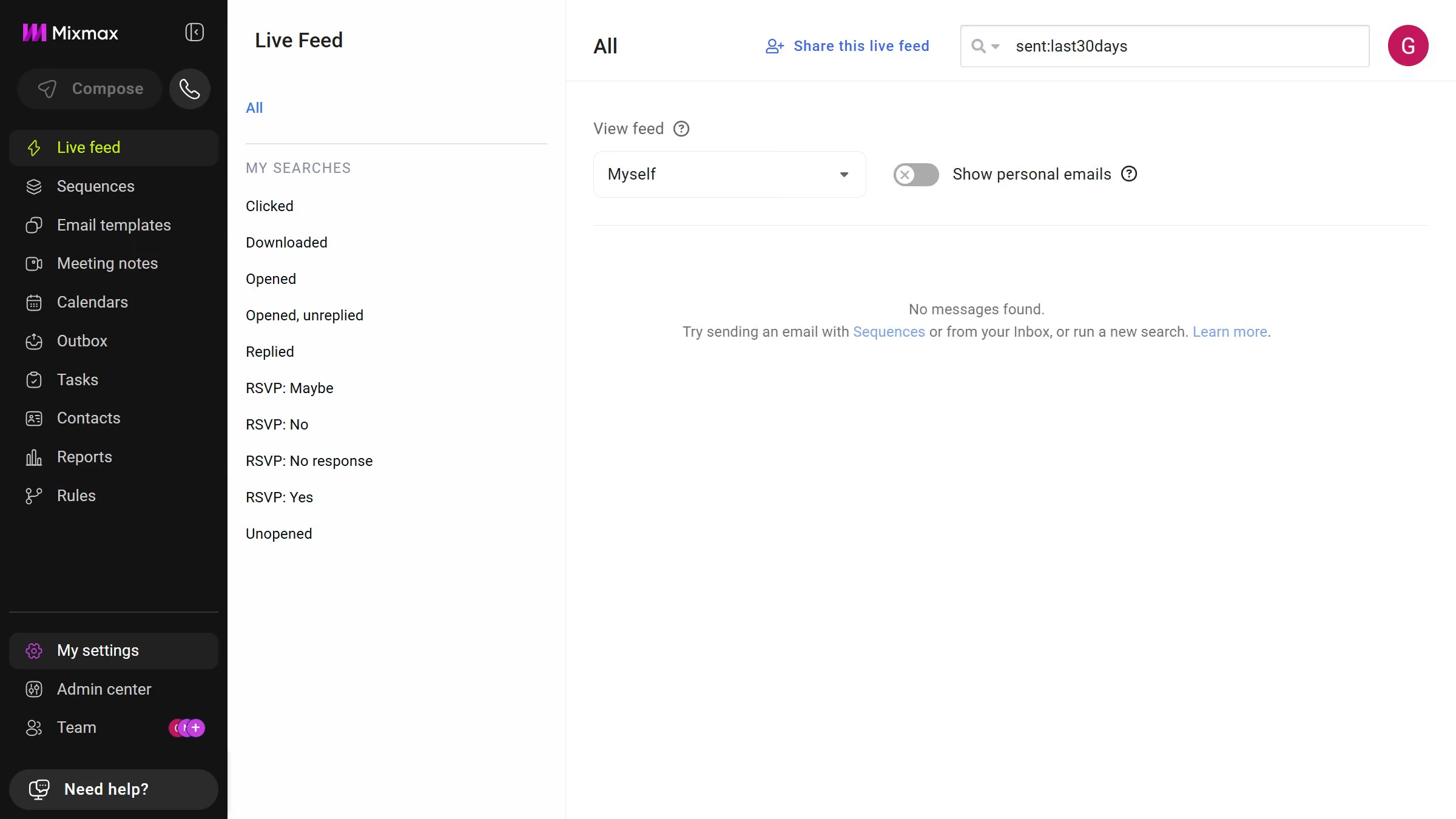
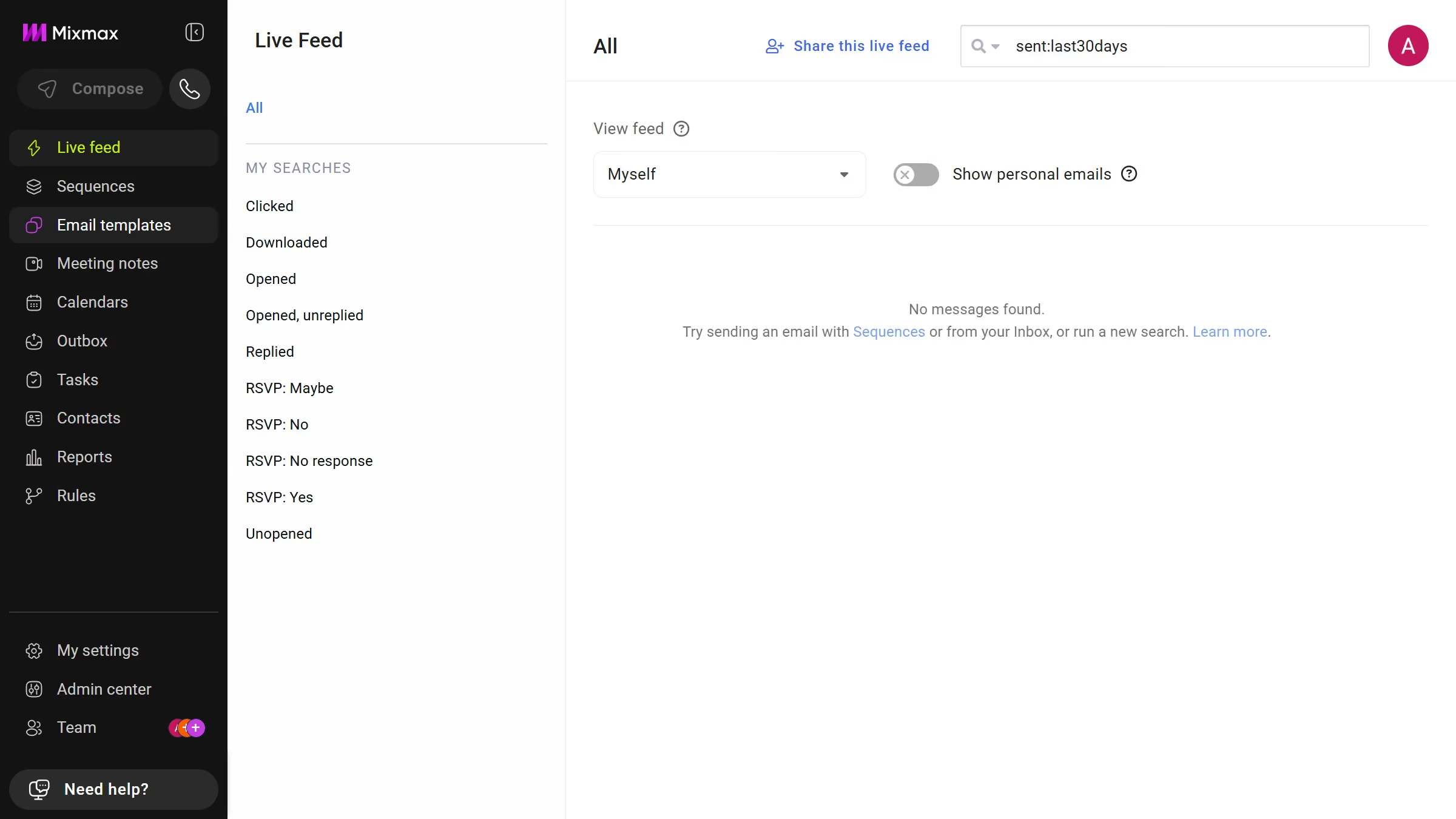
Here is how to view email templates from the last 30 days in mixmax
- First click on "Email templates" in the sidebar menu
- Next click on the "DATE RANGE" dropdown above the templates list
- Then select "Last 30 days" from the dropdown menu


Create your own interactive guide with Guideflow
Mixmax elevates your email communication with advanced tracking, scheduling, and automation tools.
One standout feature is the ability to view email templates from the last 30 days, offering users a streamlined way to revisit and optimize their recent email strategies.
This feature reduces time spent searching through archives and promotes consistency in messaging.
Leveraging recent templates enhances productivity and ensures you’re always aligned with your current communication goals.
Why leading companies build with Guideflow